22
DMX
ITALIANO
POLSKI
ESPAÑOL
FRANCAIS
DEUTSCHENGLISH
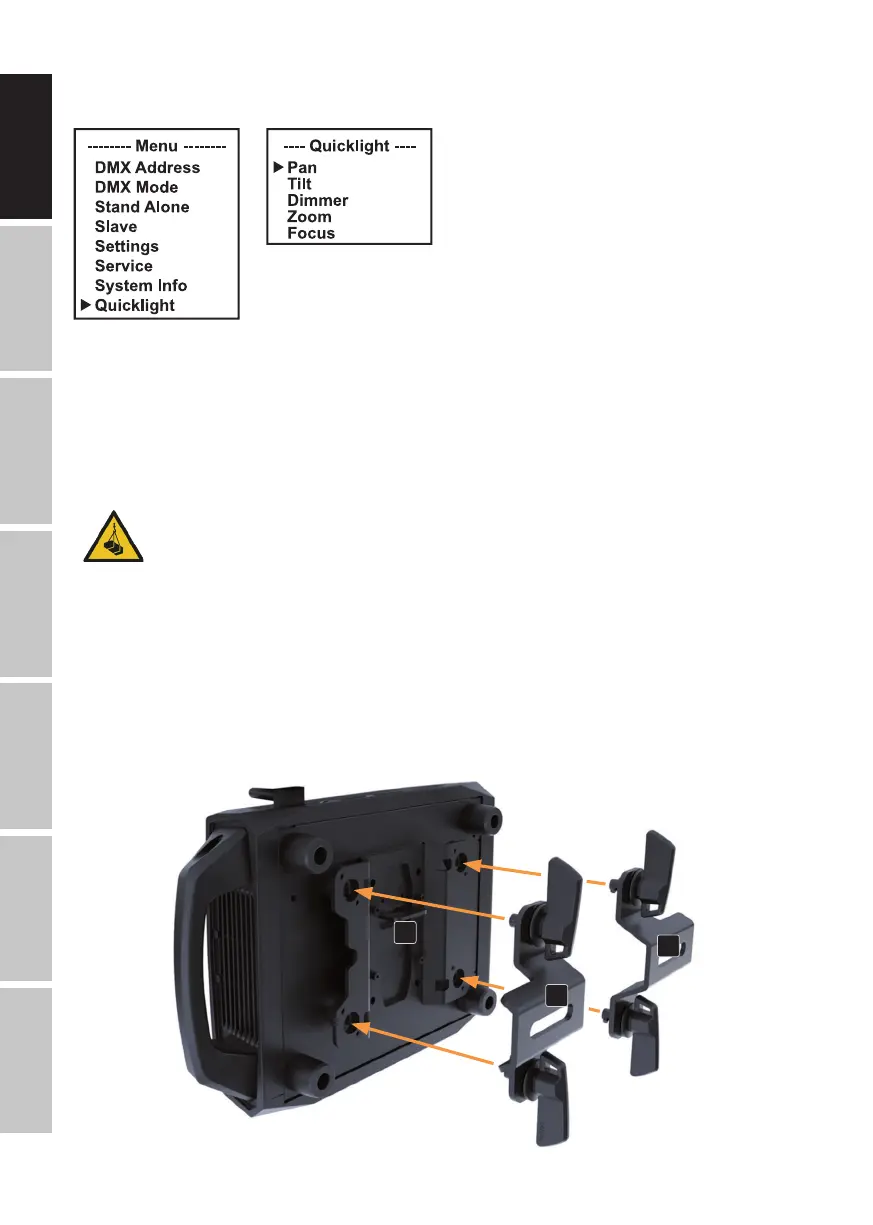
select Quicklight and confirm with ENTER. Now select the desired sub-menu item, confirm, set
the value as required, and confirm again.
If the Quicklight operating mode is activated, the display does not automatically change to the
main display; when leaving the Quicklight menu, Quicklight operating mode is automatically
terminated. The settings in the Quicklight menu are retained until the next restart of the fixture;
as a result, Quicklight can be accessed repeatedly with the same settings as long as the fixture
remains switched on. After a restart, the values are reset to the factory settings.
SET-UP AND INSTALLATION
DANGER: Overhead mounting requires extensive experience, including calculating the
load limit values of the mounting hardware and regular safety inspection of all instal-
lation materials and lights. If you do not have these qualifications, do not attempt to
perform installation yourself. Refer instead to a qualified professional. There is a risk
that devices that are incorrectly installed and secured may come loose and fall down.
This can cause serious injury or death.
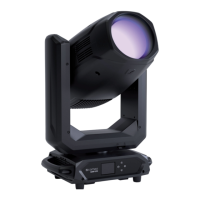
Thanks to its integrated rubber feet, the light can be positioned in a suitable location on a level
surface. It can be truss-mounted using two omega brackets, which are attached to the base of the
device (A). Two omega brackets are included in the packaging content. Suitable truss clamps are
available as an option. Ensure firm connections, and secure the light to the securing lug (B) with a
suitable safety cable.
A
B
A
- Similar to image -


 To Next Page