26
Section 3 Model 289A Differential Pressure Indicating Switch
Troubleshooting
For troubleshooting tips, see Table 3.2 below. For information related to the
DPU, see the Model 199 DPU user manual in Appendix A.
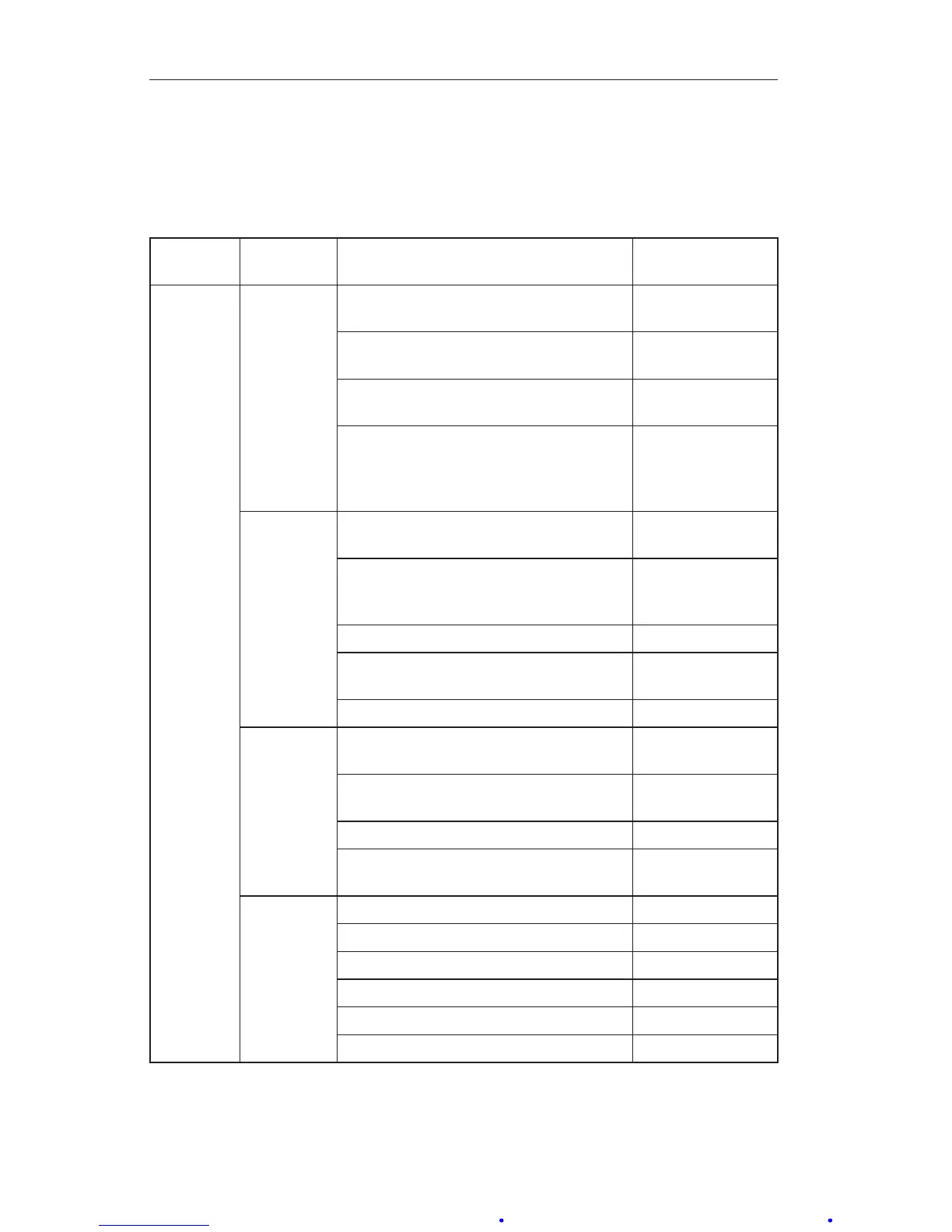
Table3.2—Troubleshooting
Problem Possible
Source
Probable Cause Corrective
Action
Low or No
Indication
Primary
Element or
DPU
(Refer
to DPU
Manual)
Orice installed backwards or over
-
sized
Replace orice
Flow blocked upstream from run Clean out run or
open valve
Loss of liquid in reference leg (liquid
level)
Rell reference
leg
Density changes in process media or
reference leg
Rell reference
leg with same
density liquid as
process media
Primary
Element
to DPU
Piping
(Refer
to DPU
Manual)
Pressure tap holes plugged and/or
piping plugged
Clean out piping
Bypass valve open or leaking Close bypass
valve(s) and/or
repair leaks
Liquids or gases trapped in piping Vent piping
Block or shutoff valves closed Open block or
shutoff valves
Piping leaks on HP side Repair leaks
Bellows
Unit
(Refer
to DPU
Manual)
Housing lled with solids restricting
bellows movement
Clean out hous-
ing
Gas (liquid service) or liquid (gas ser-
vice) trapped in housing
Vent housing
HP housing gasket leak Replace gasket
DPU tampered with Return BUA for
repair
Indica-
tor, Alarm
Switch
Mechanism
Loose linkage or movement Tighten or replace
Out of calibration Calibrate
Pointer loose Tighten pointer
Dirty or corroded mechanism Clean or replace
Wiring interfering with movement Re-route wiring
Dirty mechanism
Clean mechanism













 To Next Page