MW8 & MotionWare User Guide: Issue 1.2.1 Page 17
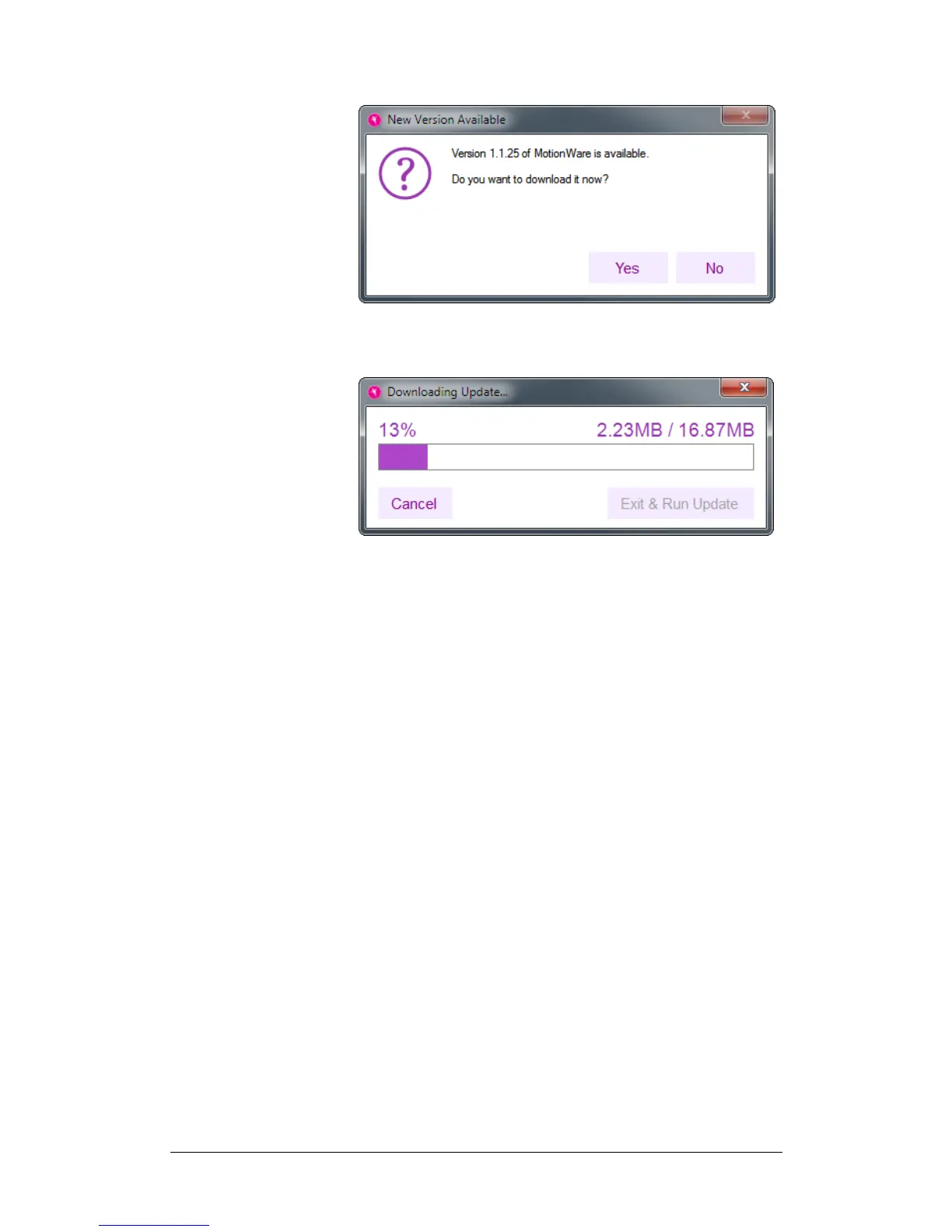
Click the Yes button to start the download. This will
produce the following window:
When the download has completed, click the Exit & Run
Update button to close the application and initiate the
installer.
Automatically Check for Updates
Tick this checkbox if you would like the application to
automatically check for new versions once a day.


 To Next Page