MW8 & MotionWare User Guide: Issue 1.2.1 Page 59
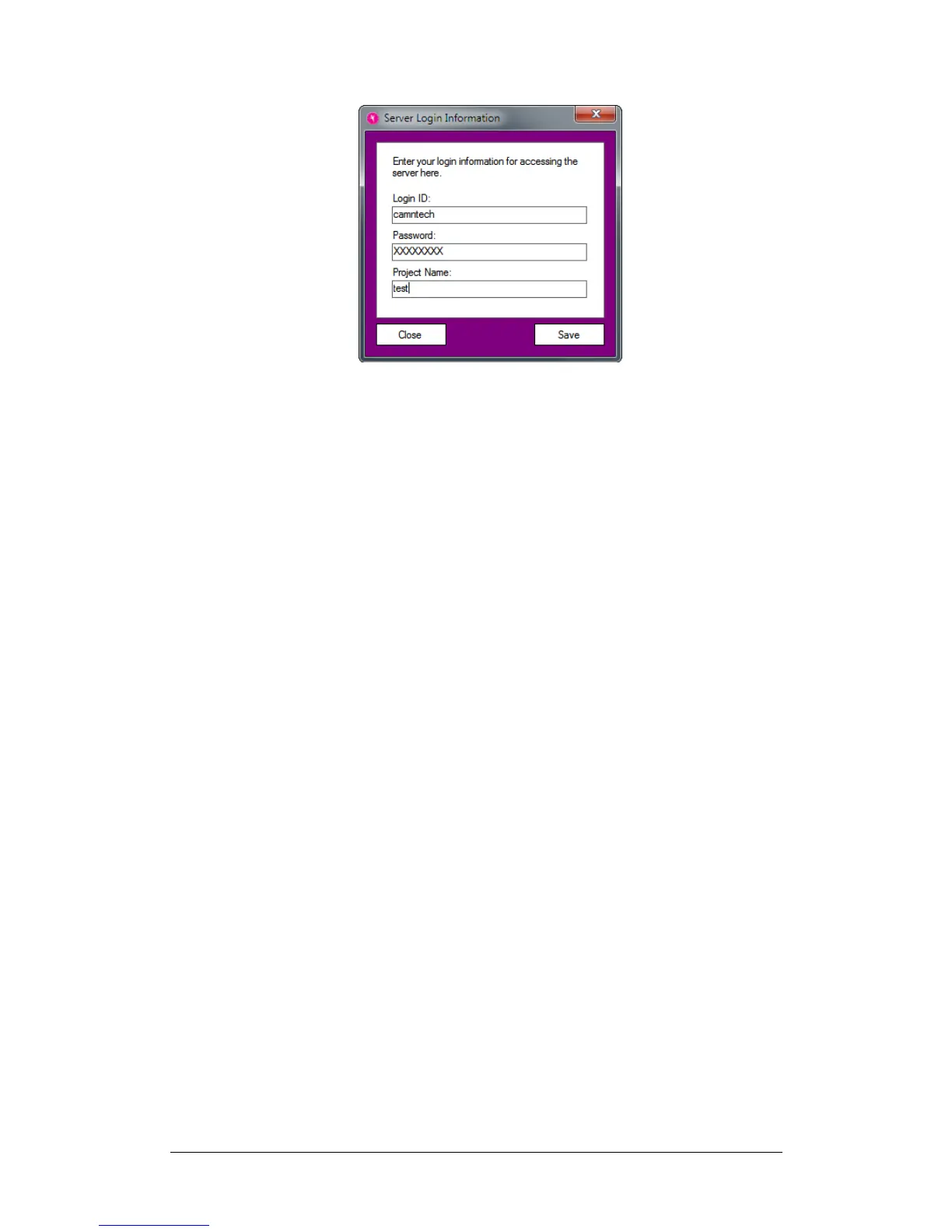
Enter all of the fields and click on the Save button. This will
allow the software to connect to the data server as
necessary.
Sync Folder
You must also select a folder for the software to store data
on the HQ computer. Click on HQ Configuration Set
Local Sync Folder in the menu to do so. This folder will
contain all data transferred from the branch sites.
After configuring all of the items above, you may click on
Sync Sync Now. This should produce no new data in
the list, but no error messages either. This is because
there is no data available yet on the server. Your HQ
system is now configured.
11.3 Syncing with
Cloud
To sync with the Cloud, click the Sync Now menu item in
the Sync menu.
New recordings will be downloaded and decrypted, with a
corresponding entry added to the recordings list as shown
below:


 To Next Page