MW8 & MotionWare User Guide: Issue 1.2.1 Page 60
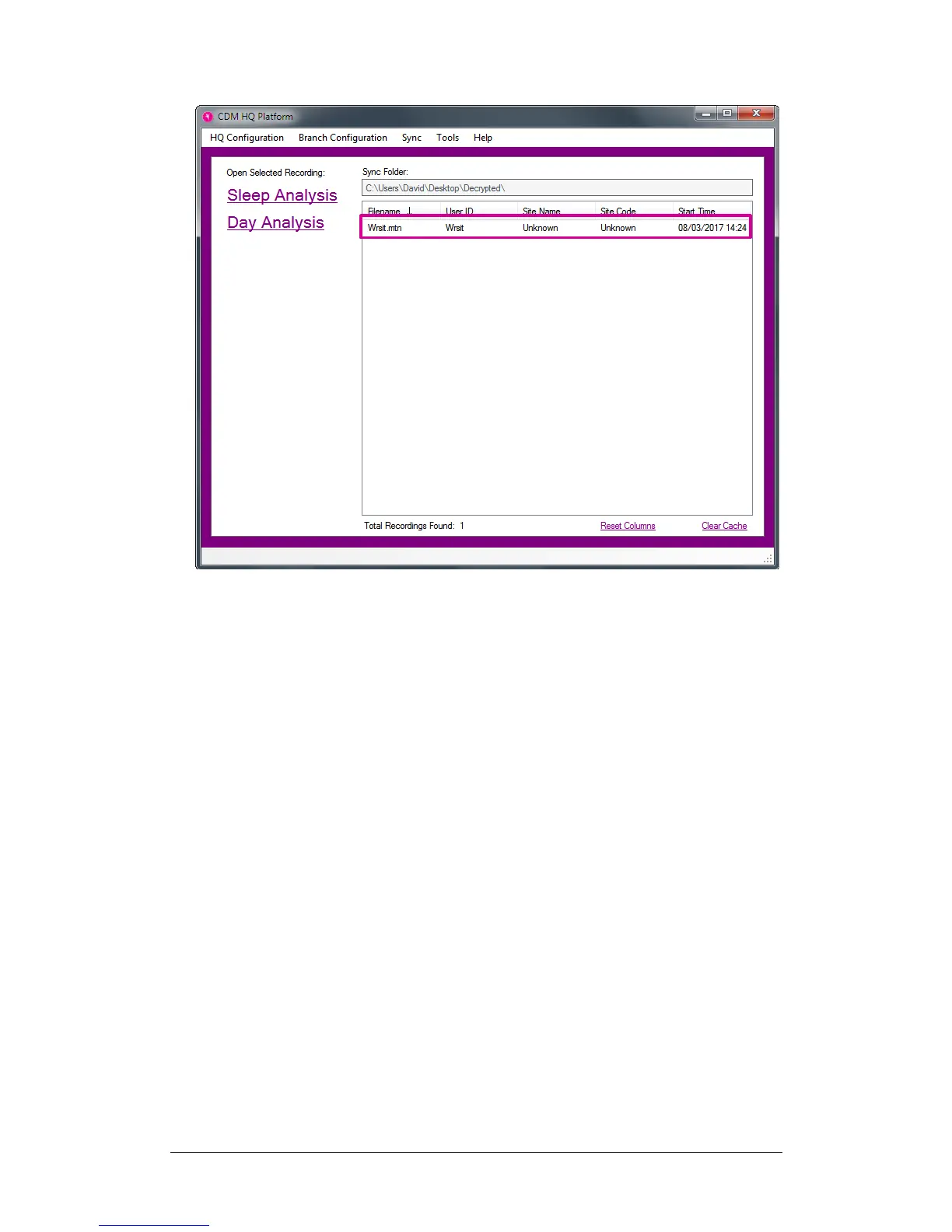
These recordings can be opened by selecting them in the
recordings list and clicking the Sleep Analysis / Day
Analysis options.
11.4 Branch
Configuration
File
A configuration file is used to automatically configure your
branch computer(s) to sync recordings with the cloud. The
configuration file is created by your HQ site computer and
contains information such as login details and public
encryption key.
Note: a single configuration file can be used on more than
one computer per site but we would recommend using one
configuration file per geographical location.
To create a new configuration file, click the Branch
Configuration menu found on the HQ Manager window,
and the click the Create New Configuration File menu
item. The following window will be shown:


 To Next Page