MW8 & MotionWare User Guide: Issue 1.2.1 Page 58
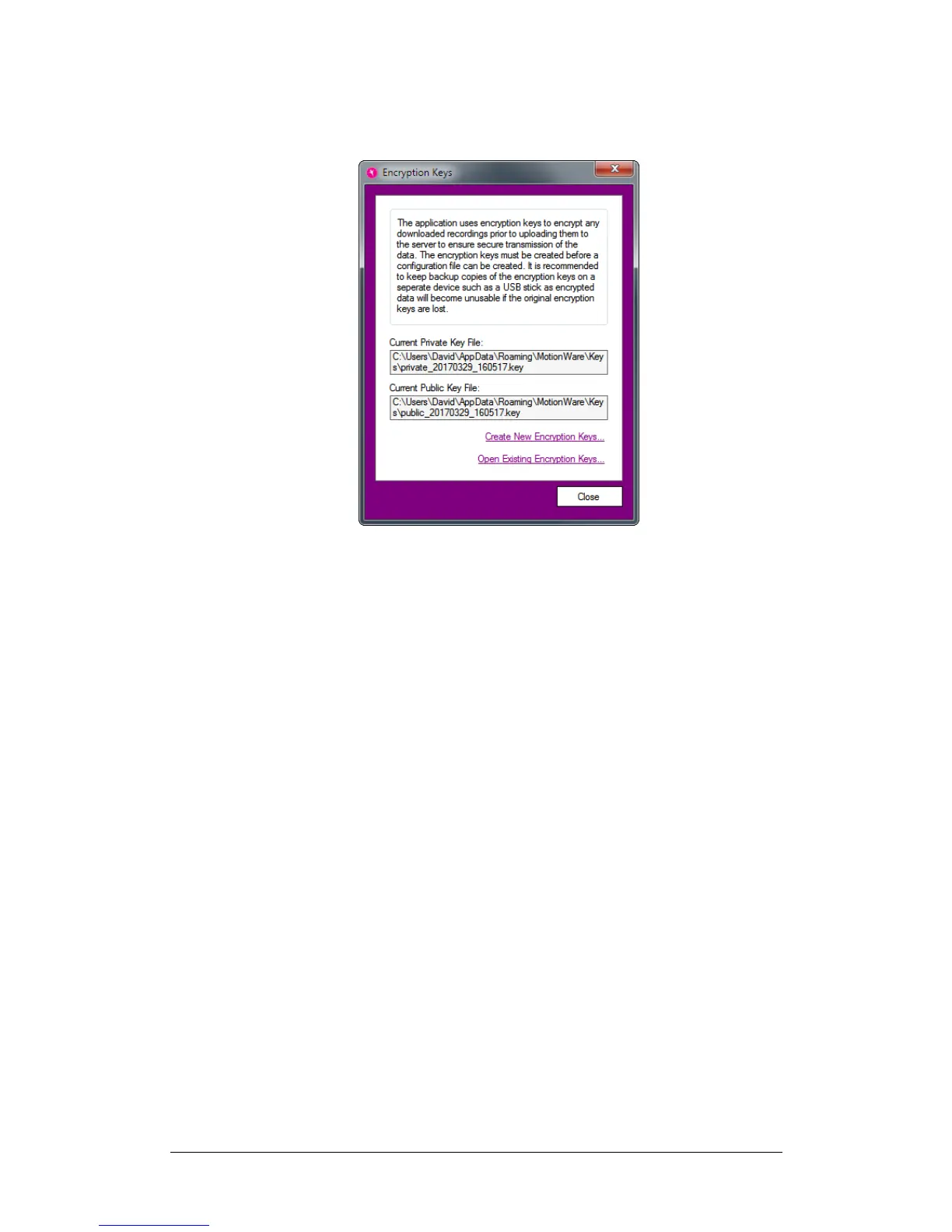
HQ Configuration menu and click the Manage
Encryption Keys menu item.
Before any branch can be configured, you must click on
the link to Create New Encryption Keys. Do this now.
When prompted, you should create backup copies of the
encryption keys to keep in order to prevent loss of data. If
you lose the encryption keys, you will lose access to all of
your data encrypted with them. CamNtech will not be able
to help you read your encrypted data – we do not have
copies of your keys.
Close the Encryption Keys window after creating your new
keys.
Enter Login Information
You will have been provided with your HQ login
information by CamNtech as part of your purchase. To use
this, first click on HQ Configuration Login
Information.


 To Next Page