Clearing Paper Jams
3-13
3
Troubleshooting
5
Follow the instructions on the touch panel display.
The screen indicating the location of the paper jam repeatedly appears on the touch panel display until the
paper jam is entirely cleared. For more information, see “Screens Indicating the Locations of Paper Jams,” on
p. 3-3.
Duplexing Unit (Inside the Main Unit)
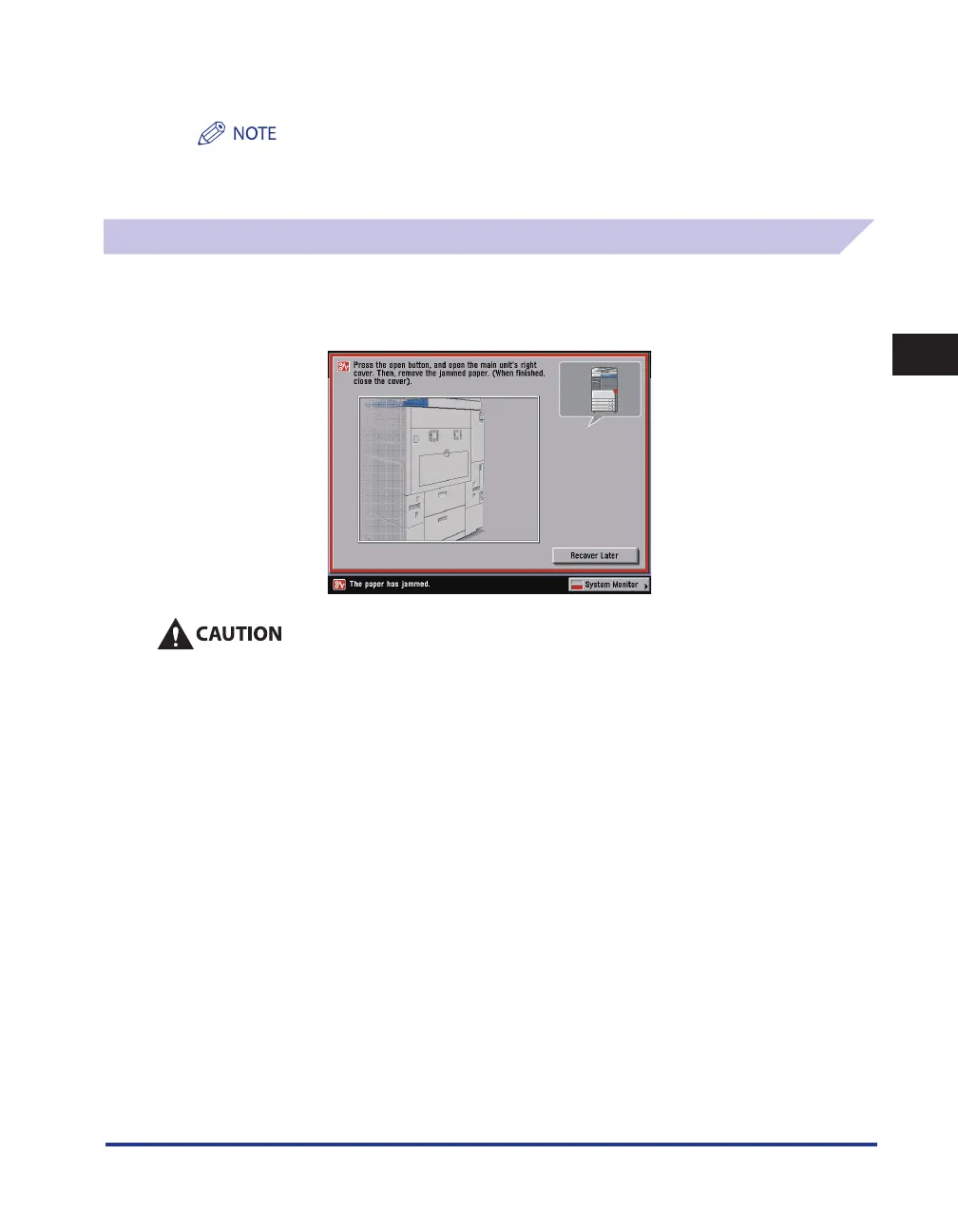
If a paper jam occurs inside the duplexing unit, a screen similar to the one shown below appears on
the touch panel display. Check the location of the paper jam, and follow the procedure described
below, and the procedure that appears on the touch panel display, to remove the jammed paper.
The fixing unit and its surroundings inside the machine may become hot during use. When
removing jammed paper or when inspecting the inside of the machine, do not touch the fixing unit
and its surroundings, as doing so may result in burns or electrical shock.










 To Next Page