Finisher-AE1/Saddle Finisher-AE2/Puncher Unit-M1 (Optional)
2-38
2
Routine Maintenance
Finisher-AE1/Saddle Finisher-AE2/Puncher Unit-
M1 (Optional)
This section describes the procedure for replacing the staple cartridge in the optional Finisher-AE1
or optional Saddle Finisher-AE2, and how to remove the punch waste from the optional Puncher
Unit-M1.
Replacing the Staple Cartridge in the Stapler Unit
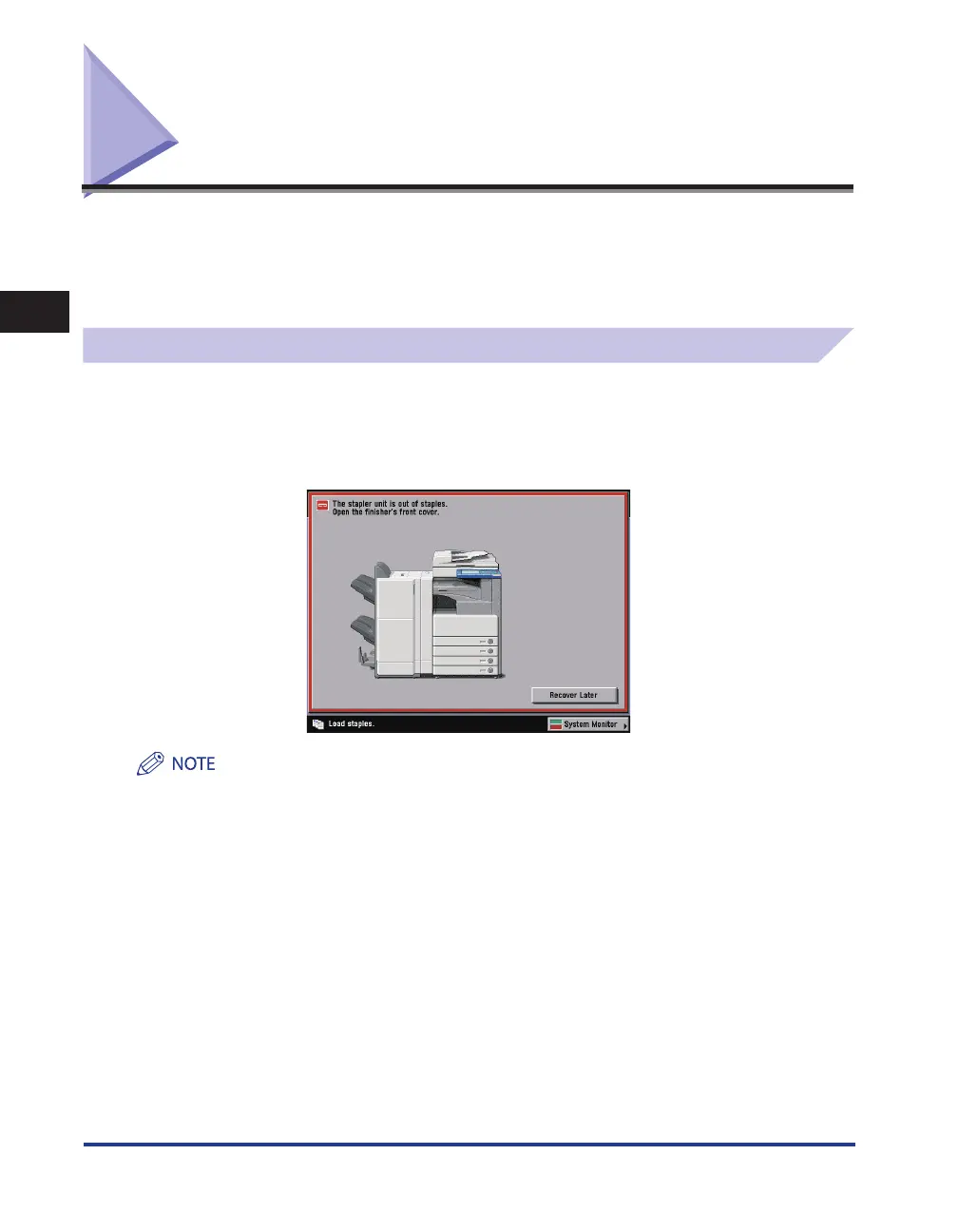
When the optional Finisher-AE1 or Saddle Finisher-AE2 is almost out of staples, and the staple
cartridge in the stapler unit must be replaced, a screen similar to the one shown below appears on
the touch panel display. Follow the procedure described below to replace the staple cartridge.
Use only staple cartridges intended for use with this machine.
We recommend that you order staple cartridges from your local authorized Canon dealer before your stock runs
out.










 To Next Page