Paper Drawers
2-7
2
Routine Maintenance
If paper runs out during copying or printing, load a new paper stack, and follow the instructions on the
touch panel display. The machine automatically restarts, and produces the remaining copies or prints.
Adjusting a Paper Drawer to Hold a Different Paper Size
If you want to load a different paper size into a paper drawer, follow the procedure described below
to adjust the paper drawer guides.
Only LTR transparencies can be used. Make sure that the paper size dial is set to 'LTR' when loading transparencies
in a paper drawer. If transparencies of a different size (other than LTR) are loaded in a paper drawer, the paper size
and remaining amount of paper will not be detected correctly.
1
Press and release the button on the paper drawer that you want to adjust.
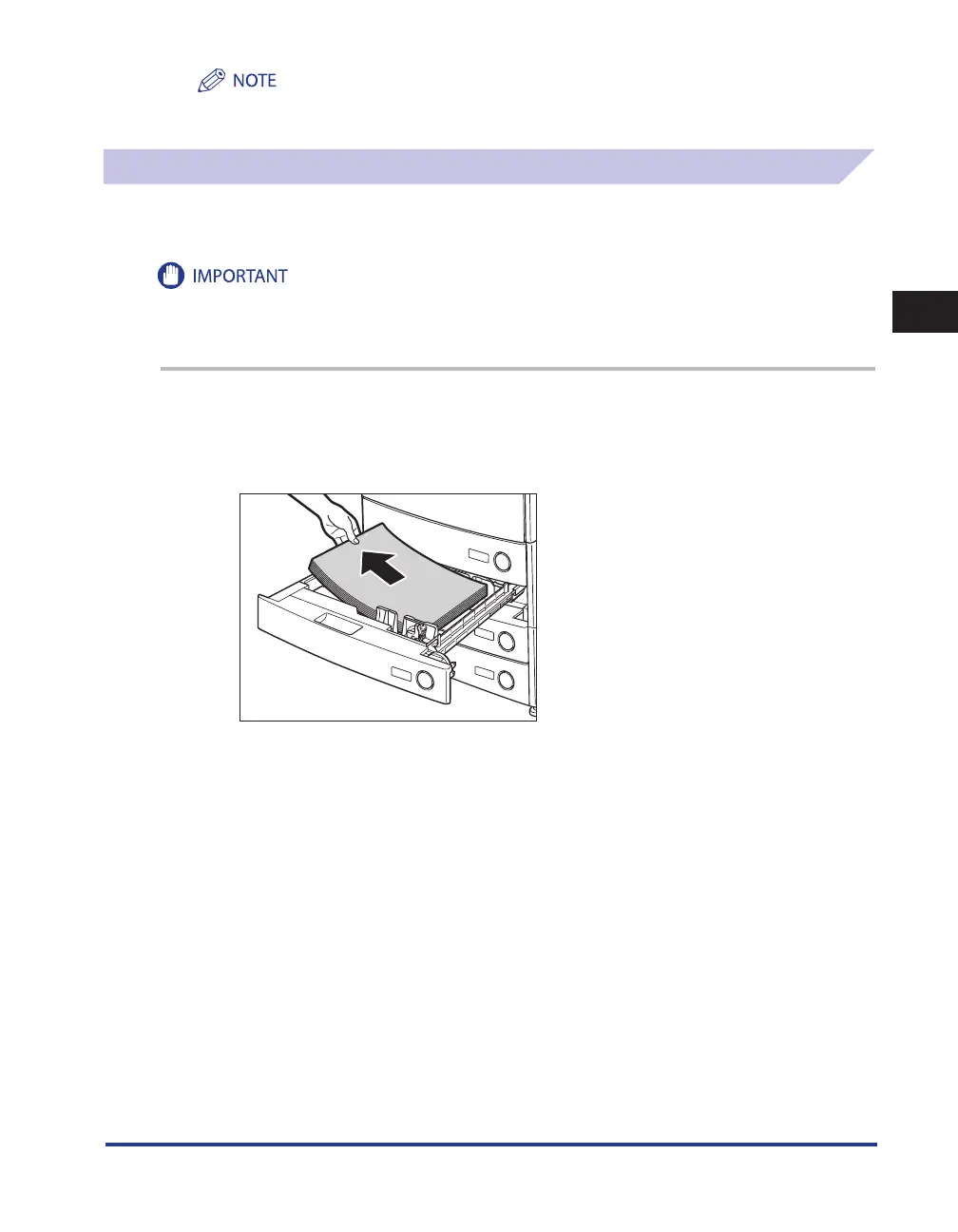
Grip the handle, and pull out the paper drawer until it stops. Remove all of
the remaining paper.










 To Next Page