Envelope Feeder Attachment-C2 (Optional)
2-21
2
Routine Maintenance
Never place paper or any other items in the empty part of the paper drawer next to the envelopes. Doing so
may cause paper jams.
If output has been stopped due to an insufficient number of envelopes, load more envelopes, and follow the
instructions on the touch panel display. Printing resumes.
Changing Envelope Sizes
This section explains how to load different types of envelopes into the envelope cassette from the
settings made in Envelope Cassette in Common Settings (from the Additional Functions screen).
1
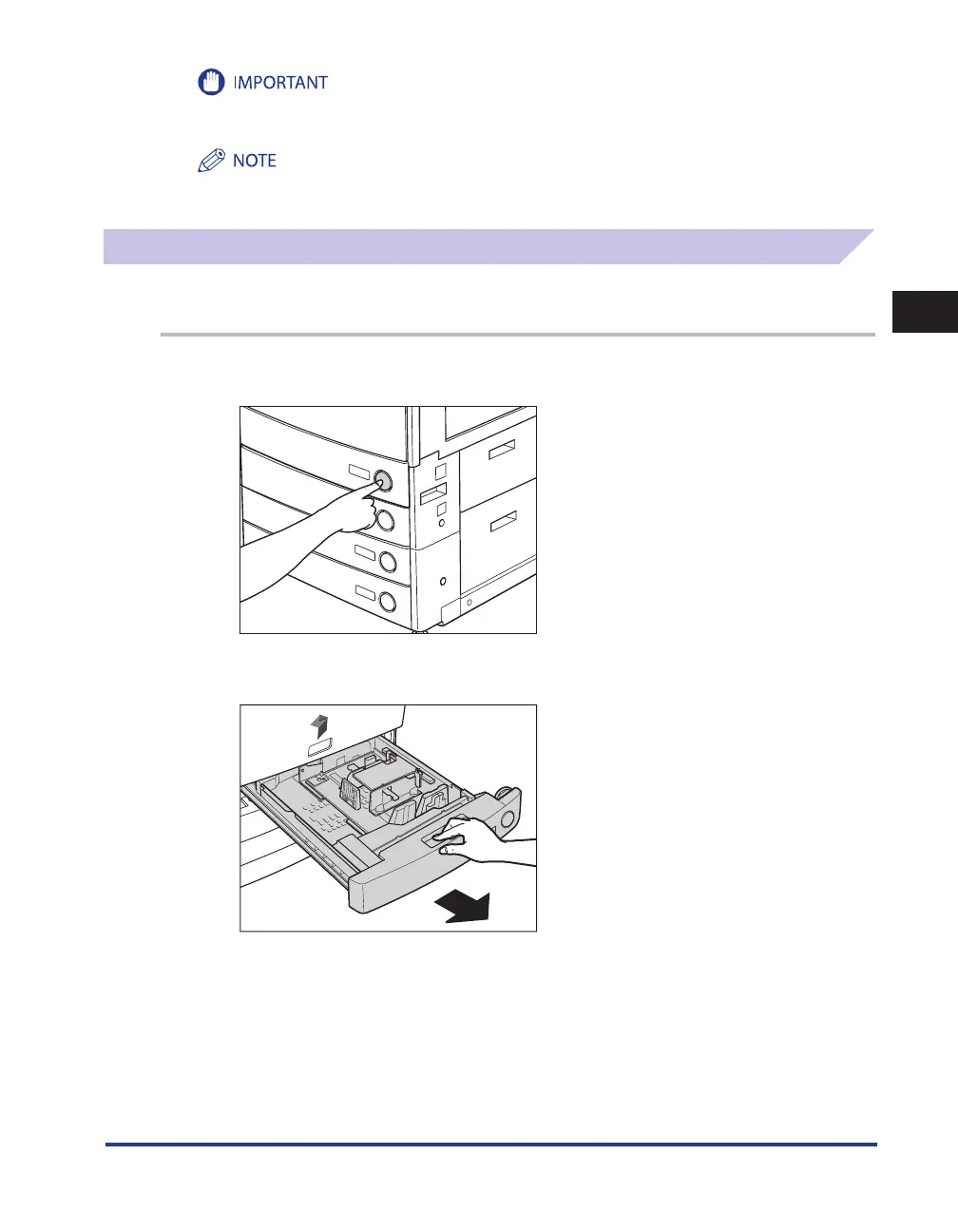
Press and release the button on Paper Drawer 1.
2
Grip the handle, and pull out the paper drawer until it stops.










 To Next Page