Clearing Staple Jams
3-83
3
Troubleshooting
9
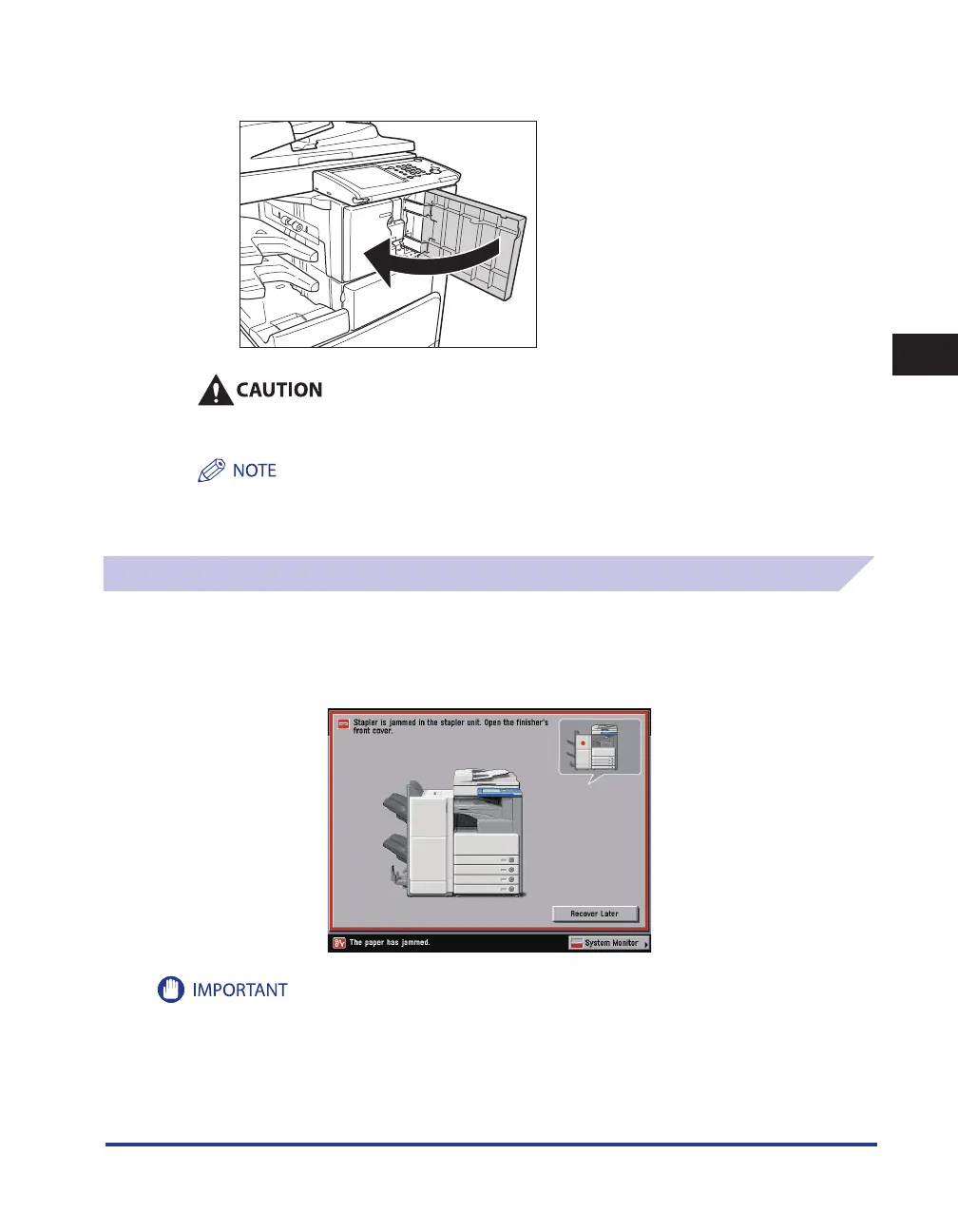
Close the front cover of the finisher.
When closing the front cover of the finisher, be careful not to get your fingers caught, as this
may result in personal injury.
If there are no staples ready for stapling after the cover is closed, the stapler unit automatically performs a
"dry" stapling operation to reposition the staples.
Finisher-AE1/Saddle Finisher-AE2 (Optional)
If a staple jam occurs in the stapler unit of the optional Finisher-AE1 or optional Saddle Finisher-AE2,
a screen similar to the one shown below appears on the touch panel display. Check the location of
the staple jam, and follow the procedure described below, and the procedure that appears on the
touch panel display, to remove any jammed staples.
Make sure to close all covers and drawers of the machine before clearing any staple jams.










 To Next Page