Finisher-S1/Puncher Unit-R1 (Optional)
2-35
2
Routine Maintenance
Removing Punch Waste
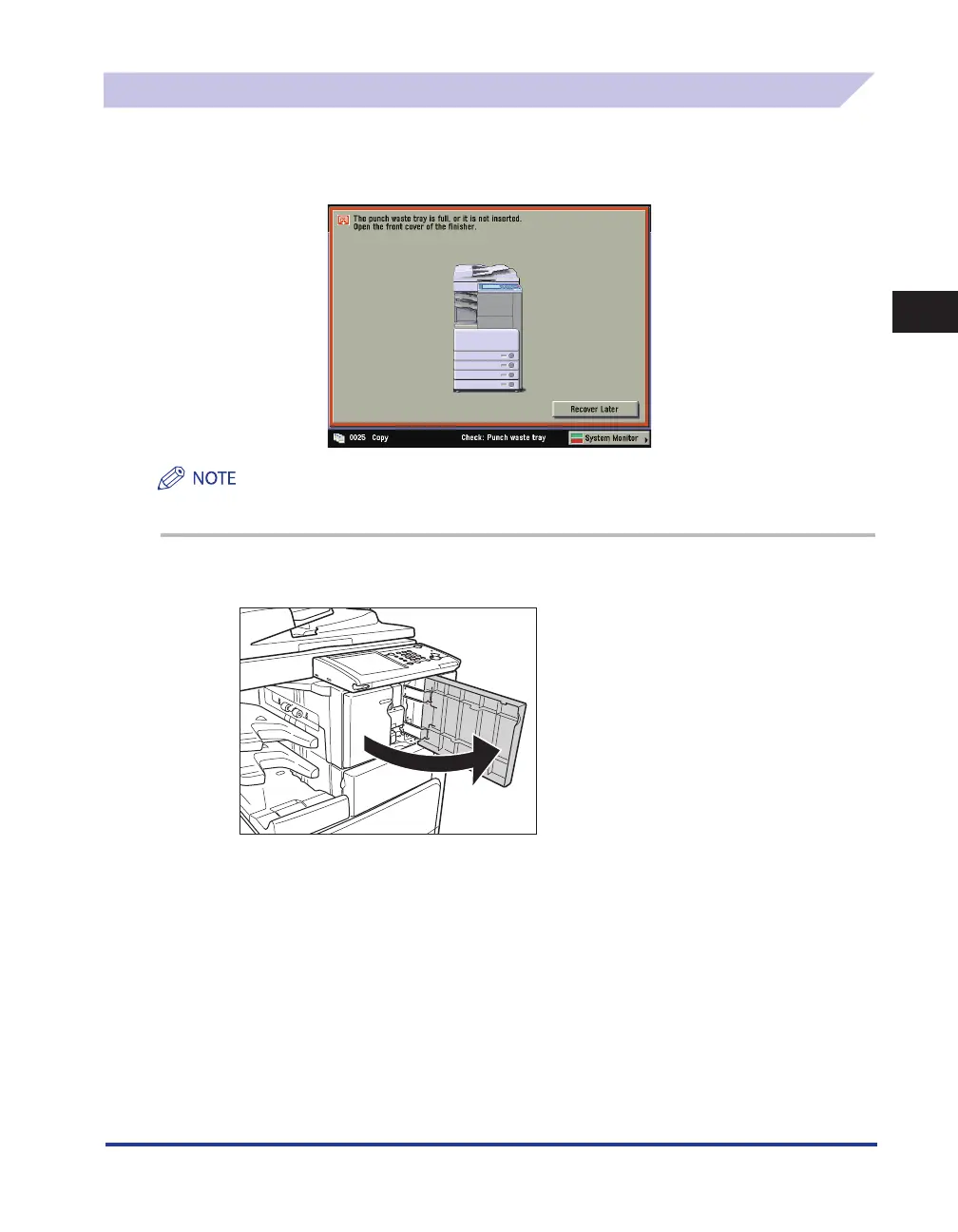
When the punch waste tray of the optional Puncher Unit-R1 becomes full, a screen similar to the one
shown below appears on the touch panel display. Follow the procedure described below to remove
the punch waste.
This procedure is necessary only if the optional Puncher Unit-R1 is attached.
1
Open the front cover of the finisher.










 To Next Page