Sample Reports
4-12
4
Appendix
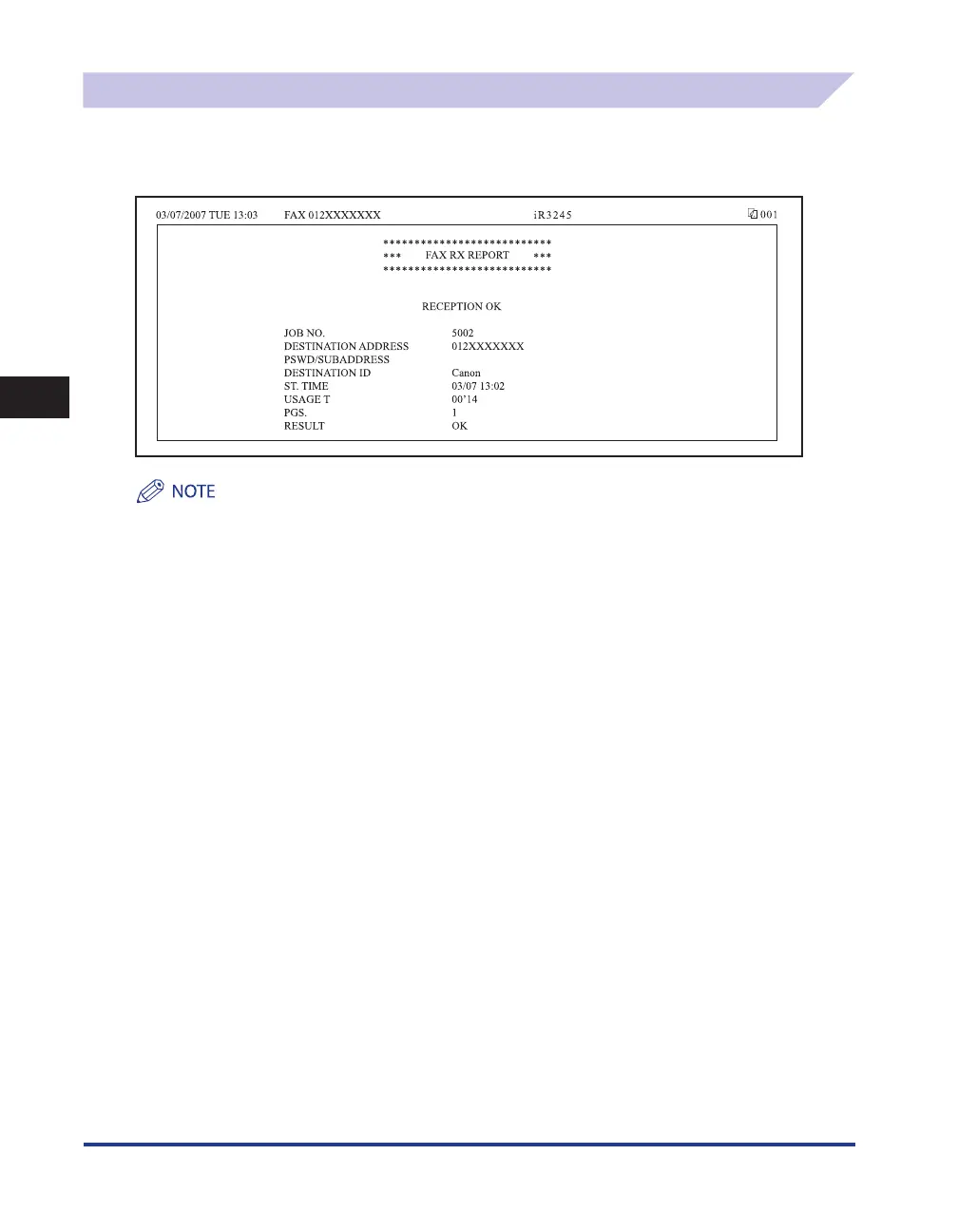
Fax RX Report
This report is used to check if documents were received successfully by this machine.
You can set whether to automatically print a Fax RX Report. (See e-Manual > Send/Fax.)
This mode is available only if the optional FAX Board is installed.
MESSAGE
A message describing the reception result is printed.
JOB NO.
The four digit number, that is automatically assigned when the document is accepted for receiving, is printed.
DESTINATION ADDRESS
The fax number of the sender is printed, up to the first 20 digits.
PSWD/SUBADDRESS
A subaddress is printed, if specified. The password is not printed to maintain security.
DESTINATION ID
The name of the sender is printed.
■
■
■
■
■










 To Next Page