Finisher-S1/Puncher Unit-R1 (Optional)
2-37
2
Routine Maintenance
4
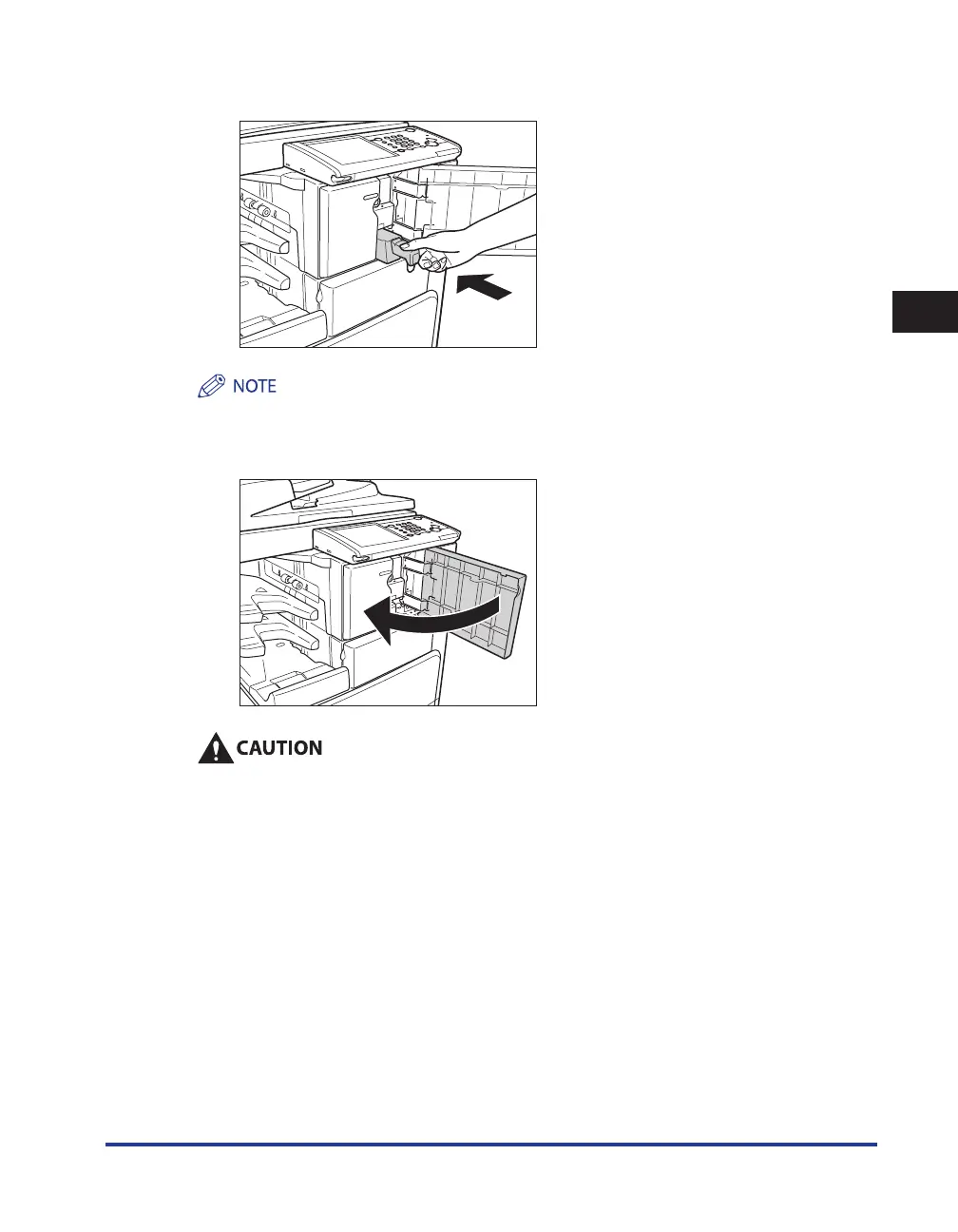
Return the punch waste tray to its original position.
If the punch waste tray is not securely in place, you cannot make prints in the Hole Punch mode.
5
Close the front cover of the finisher.
When closing the front cover of the finisher, be careful not to get your fingers caught, as this
may result in personal injury.










 To Next Page