Clearing Paper Jams
3-23
3
Troubleshooting
When returning the paper drawer to its original position, be careful not to get your fingers
caught, as this may result in personal injury.
9
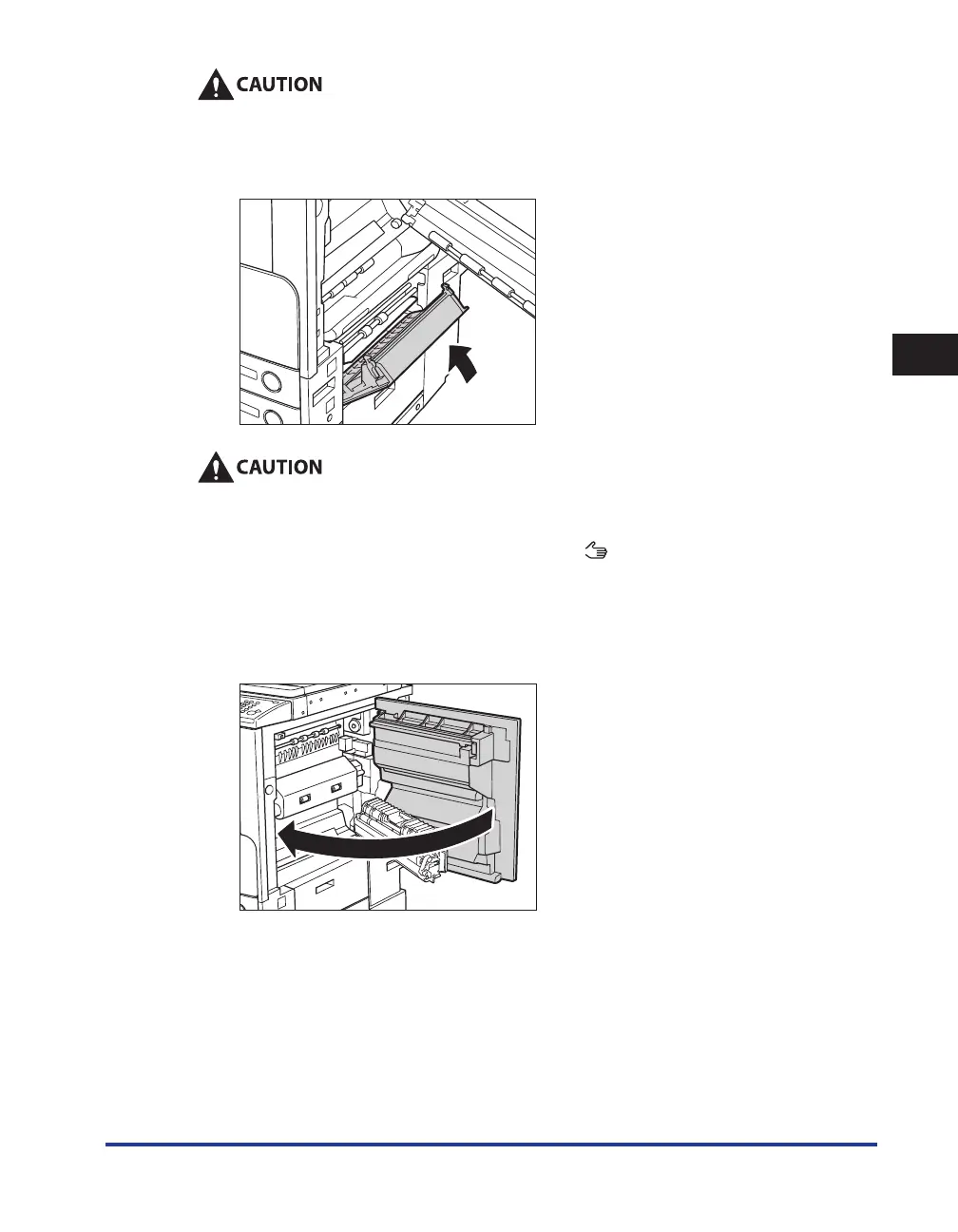
Close the paper drawer's right cover.
When closing the paper drawer's right cover, be careful not to get your fingers caught, as this
may result in personal injury.
10
Place your hand where the hand symbol ( ) is located on the right cover of
the main unit, and then gently close the right cover until it clicks into place
in the closed position.
If the optional Paper Deck-Q1 was moved away from the main unit, reconnect it to the main unit. For
more information, see e-Manual > Optional Equipment.










 To Next Page