Clearing Paper Jams
3-31
3
Troubleshooting
7
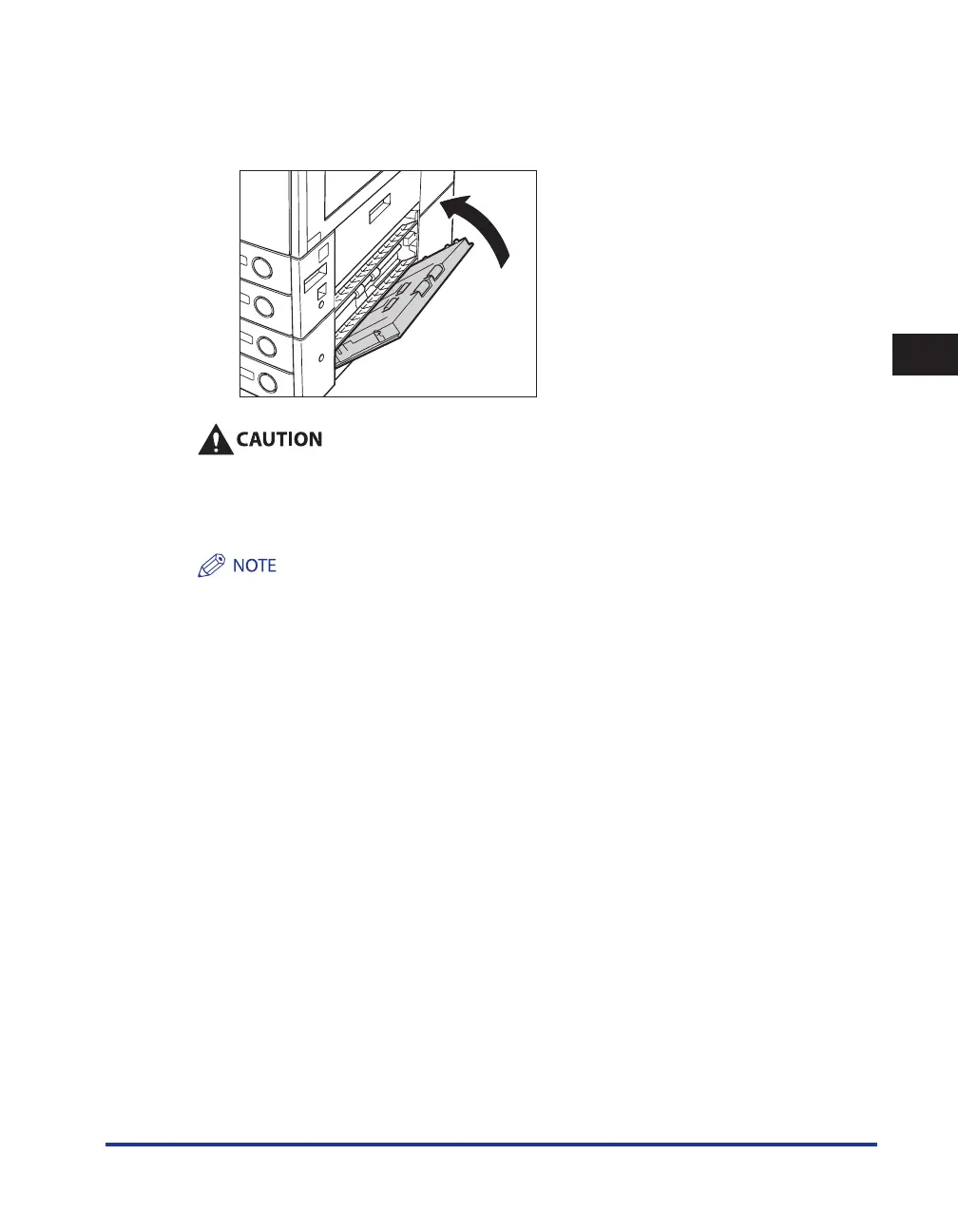
Close the lower right cover of the cassette feeding unit.
If the optional Paper Deck-Q1 was moved away from the main unit, reconnect it to the main unit. For
more information, see e-Manual > Optional Equipment.
When closing the lower right cover of the cassette feeding unit, be careful not to get your
fingers caught, as this may result in personal injury.
8
Follow the instructions on the touch panel display.
The screen indicating the location of the paper jam repeatedly appears on the touch panel display until the
paper jam is entirely cleared. For more information, see “Screens Indicating the Locations of Paper Jams,” on
p. 3-3.










 To Next Page