Clearing Paper Jams
3-77
3
Troubleshooting
1
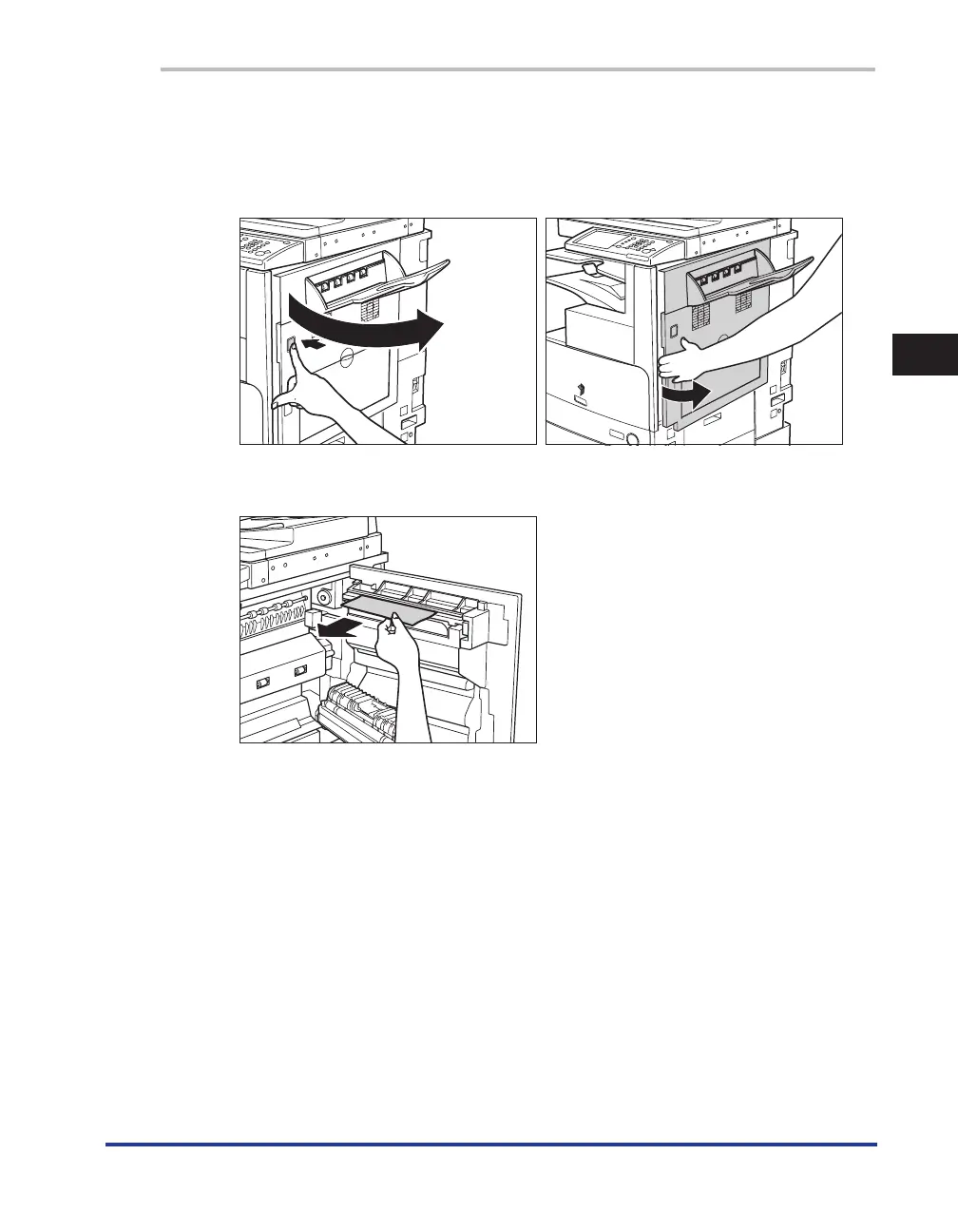
Press the button on the right cover of the main unit, and open the right
cover.
If the optional Paper Deck-Q1 is attached to the main unit, move the paper deck away from the main unit
before proceeding with this procedure. For more information, see e-Manual > Optional Equipment.
2
Remove any jammed paper protruding from the inside slot of the copy tray.










 To Next Page