If Memory Becomes Full during Scanning
3-104
3
Troubleshooting
Details of each item are shown below.
[Cancel]: The current job is canceled, and the display returns to the Basic Features screen.
Scan the job again when the current job is complete.
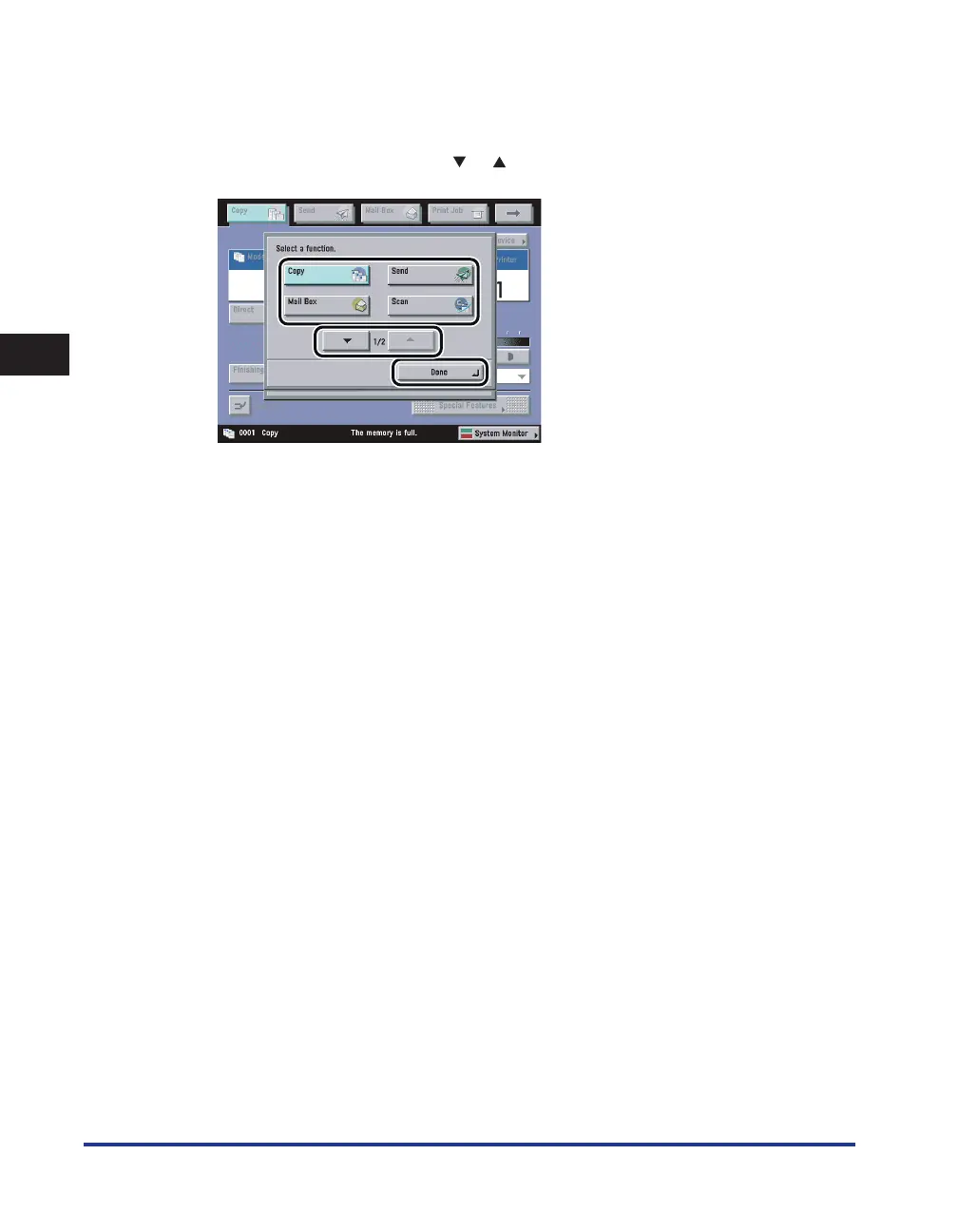
[Another Function]: Select to use another function that is not being used (If the desired function is not
displayed, press [
] or [ ] to scroll to the desired function.) → press [Done].










 To Next Page