xxxii
2
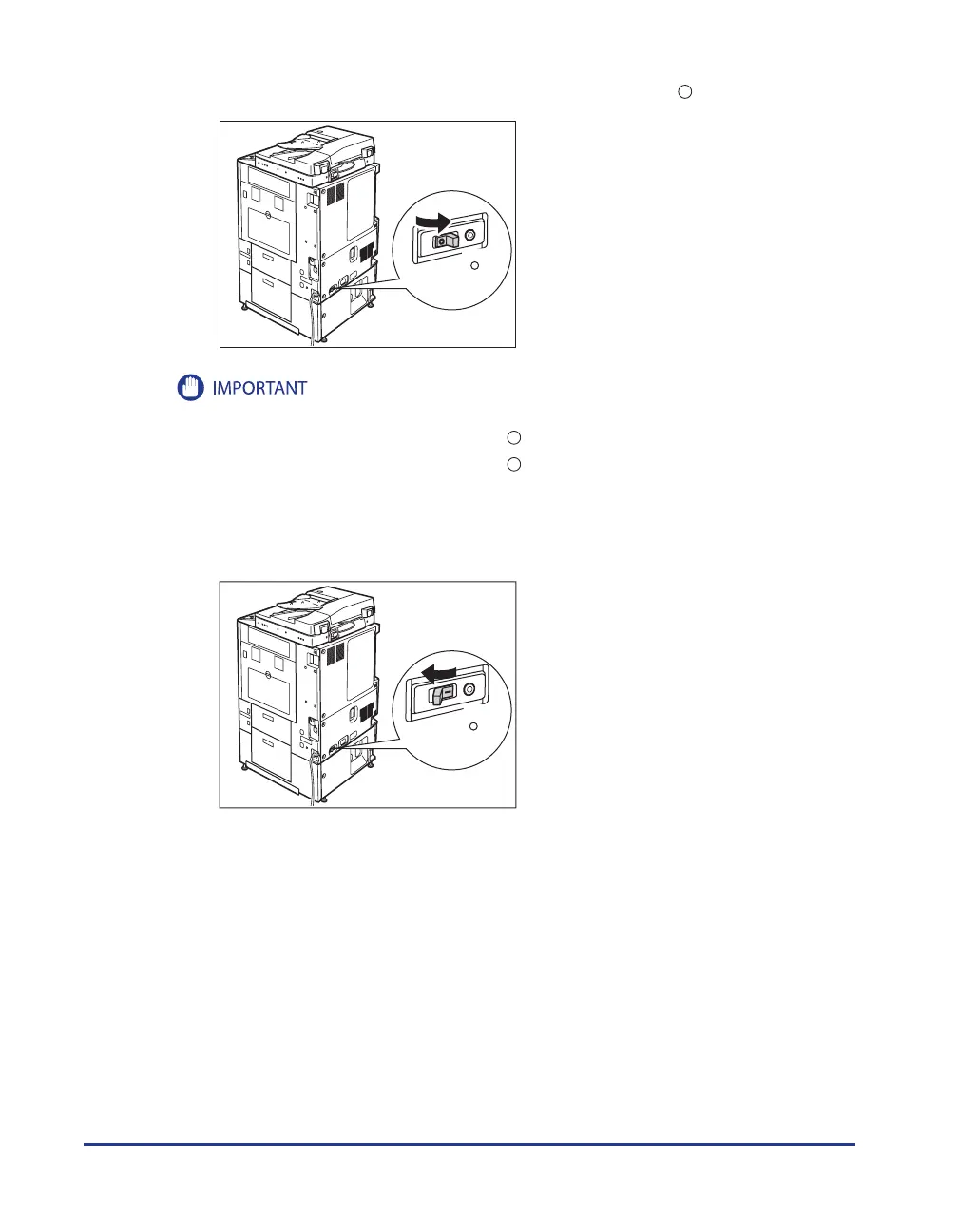
Confirm that the breaker lever is switched to the OFF (" " side) position.
ON
( I side)
OFF
( side)
Do not use the test button to turn the power ON and OFF.
If the breaker lever does not switch to the OFF (" " side) position, repeat step 1.
If the breaker lever does not switch to the OFF (" " side) position, despite carrying out the above procedure
two or three times, contact your local authorized Canon dealer.
3
Switch the breaker lever to ON ("I" side).
ON
( I side)
OFF
( side)
•
•
•










 To Next Page