Main Power and Control Panel Power
1-17
1
Before You Start Using This Machine
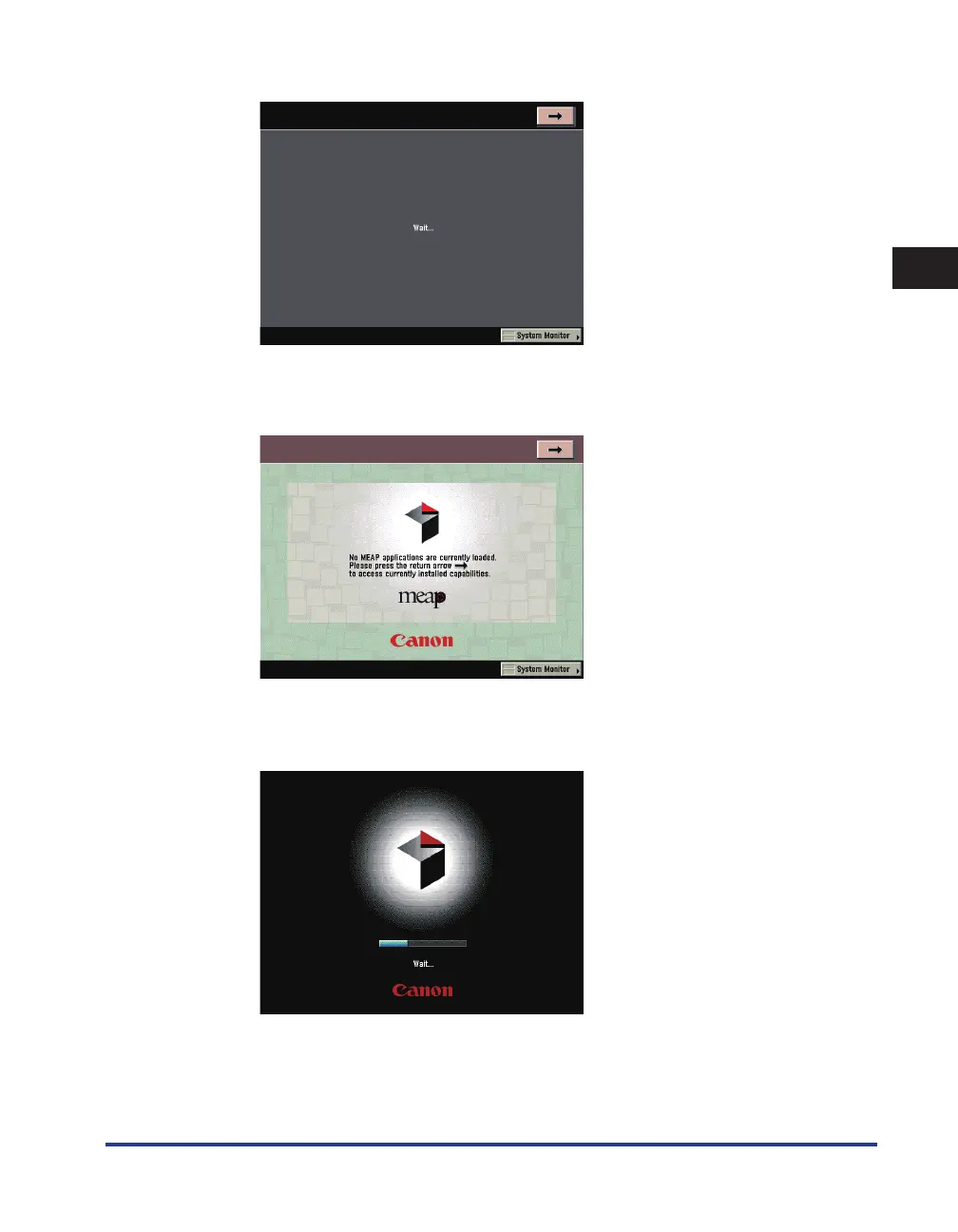
After the Start Up screen disappears, the MEAP Start Up screen is displayed.
You can press [
→
] to switch to the Basic Features screen to use the Copy, Mail Box, etc. functions even
if the MEAP Start Up screen is still displayed.
The MEAP Application screen is displayed.
If login authentication by a login service (SSO-H) is set:
The Start Up screen is displayed until the machine is ready to scan.
☐
☐
●
☐










 To Next Page