Main Power and Control Panel Power
1-21
1
Before You Start Using This Machine
Jobs that are displayed on the job confirmation screen are:
Current copy, fax, and print jobs (including secured print jobs)
Copy and print jobs (including secured print jobs) that are waiting to be processed
On the job confirmation screen, the current job is displayed on the first line, and the other jobs are
processed in the order in which they were reserved (up to seven jobs).
3
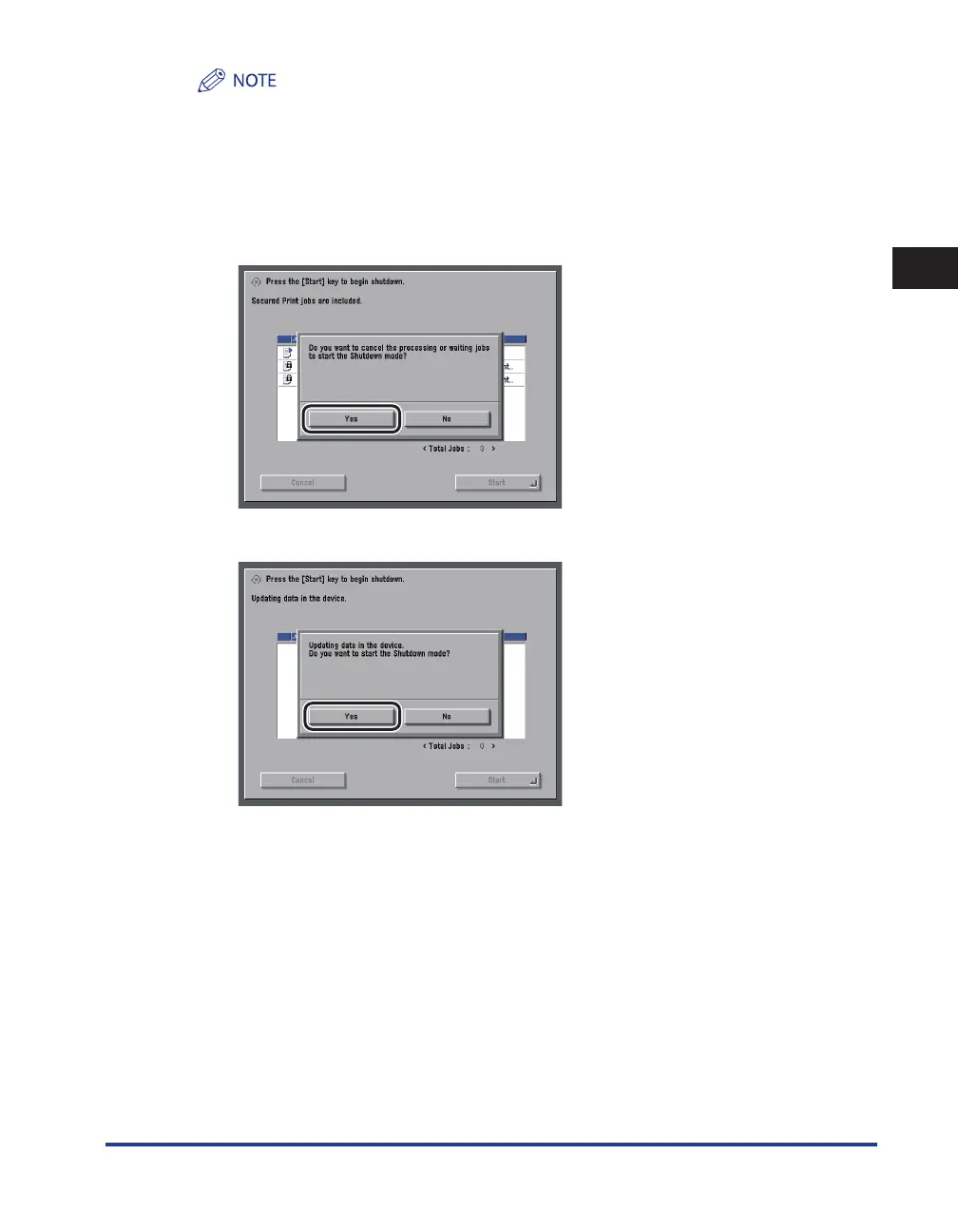
Confirm the message displayed → press [Yes].
If There Are Jobs Currently Being Processed or Waiting to Be Processed
If the Device Information Is Being Delivered
All of the jobs on the confirmation screen being processed or waiting to be processed are canceled. The
machine and any network communication processes also start to shut down.
The Performing Shutdown screen appears.
•
-
-
•










 To Next Page