59
1
2
3
4
5
Introduction
Contents at
a Glance
Basic
Operation
Advanced
Operation
Advanced
Image Editing
and Printing
Editing JPEG
Images
Index
Processing
Large Numbers
of Images
Reference
O Default settings of RGB tool palette
When the setting is changed, the setting will be applied when DPP is
restarted.
Even if the default setting is changed, the new default setting is not
applied to edited (i.e., adjusted using the tool palette, trimmed, dust-
erased) images. Change each one individually.
O
Modified Picture Style settings
[Contrast], [Color tone], [Color saturation], and [Sharpness] set for each
Picture Style item can be memorized for each image.
Changes are not applied to the edited image
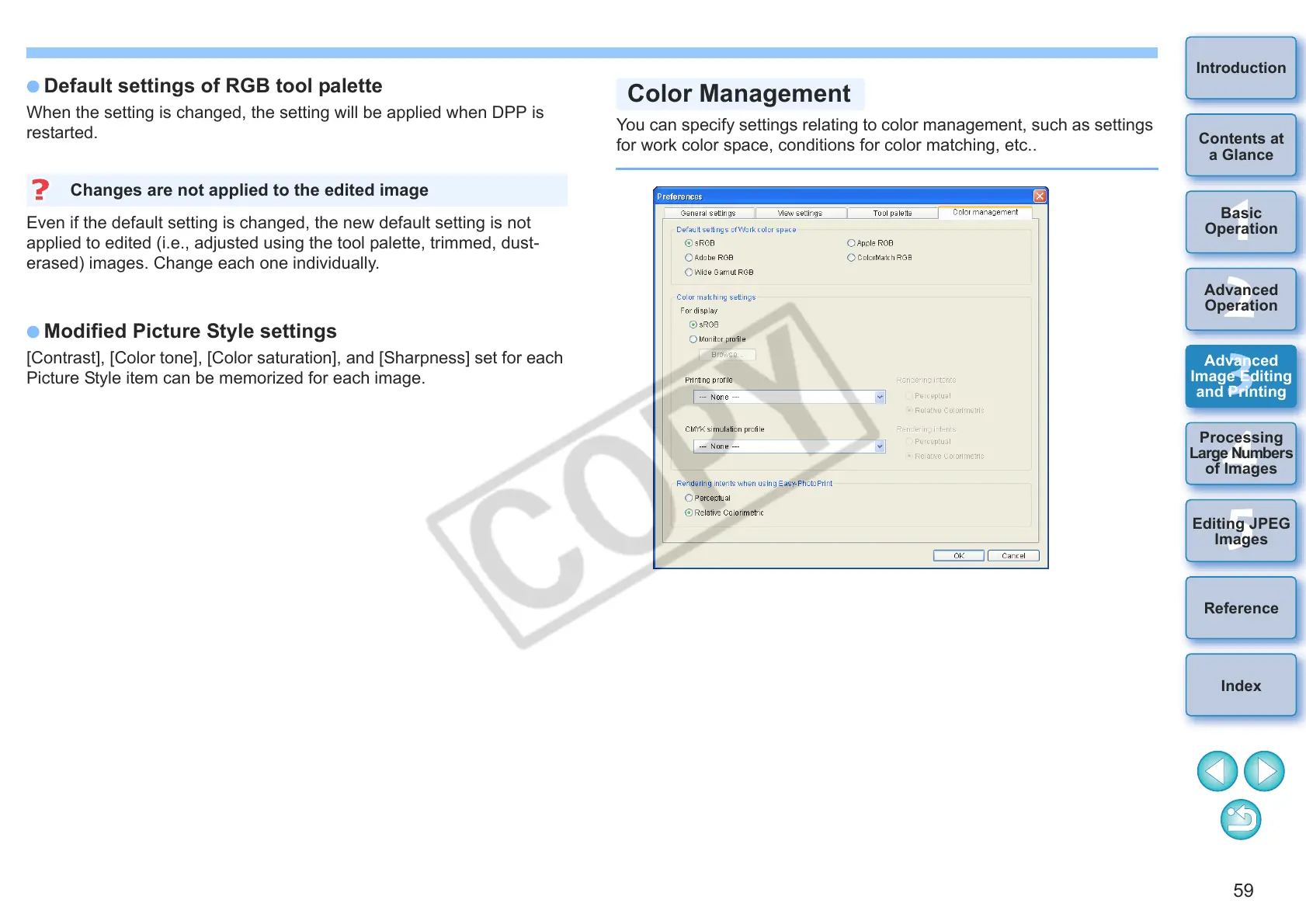
You can specify settings relating to color management, such as settings
for work color space, conditions for color matching, etc..
Color Management










 To Next Page