119
x Image Playback
1
Turn on the index display.
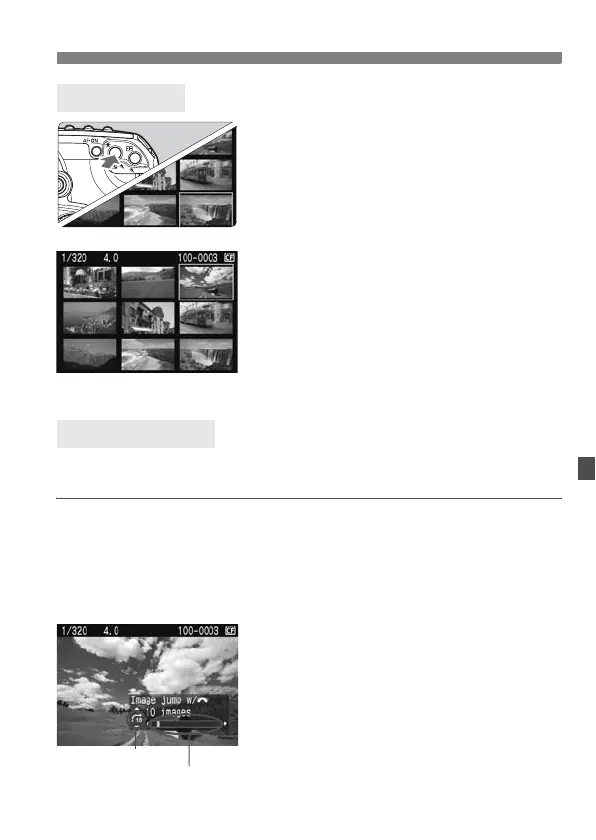
During image playback, press the
<I> button.
X The 4-image index display will
appear. The currently-selected image
will be highlighted in a blue frame.
Press the <I> button again to
switch to the 9-image index display.
2
Select the image.
Turn the <5> dial to move the blue
frame.
To display an image, press the <u>
button.
You can skip over images during playback to find the image you want
faster.
Browsing Through Images
During image playback, press the <C> button and turn the <5> dial
to select the jump method [1 image/10 images/100 images/Screen/
Date]. With the index display, you can jump by a single screen by
selecting [Screen]. To jump by shooting date, select [Date].
During image playback, turn the
<6> dial.
X The jump display will proceed
according to the selected jump
method.
X On the bottom right, the jump method
and current image location are
indicated.
Index Display
I Jump Display
Image location
Jump method


 To Next Page