83
5
Advanced Operations
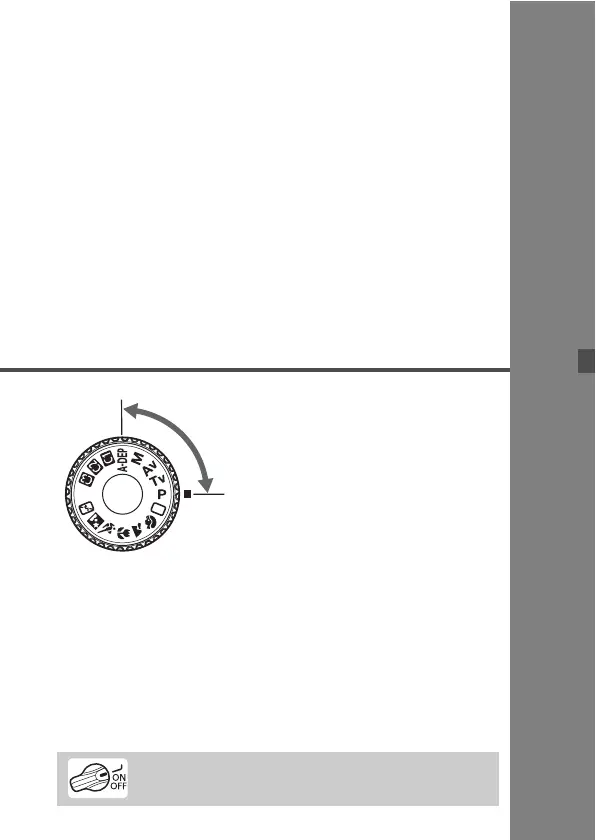
With Creative Zone modes,
you can set the desired shutter
speed or aperture to obtain the
result you want. You take
control of the camera.
The asterisk M on the right of the page title indicates that
the respective feature is available only in Creative Zone
modes (d, s, f, a, 8).
After you press the shutter button halfway and let go, the
LCD panel and viewfinder information will remain displayed
for about 4 sec. (0).
To see what can be set in the Creative Zone modes, see
“Function Availability Table” (p.172).
C
r
e
a
t
i
v
e
Z
o
n
e
First set the power switch to <J>.



 To Next Page