48
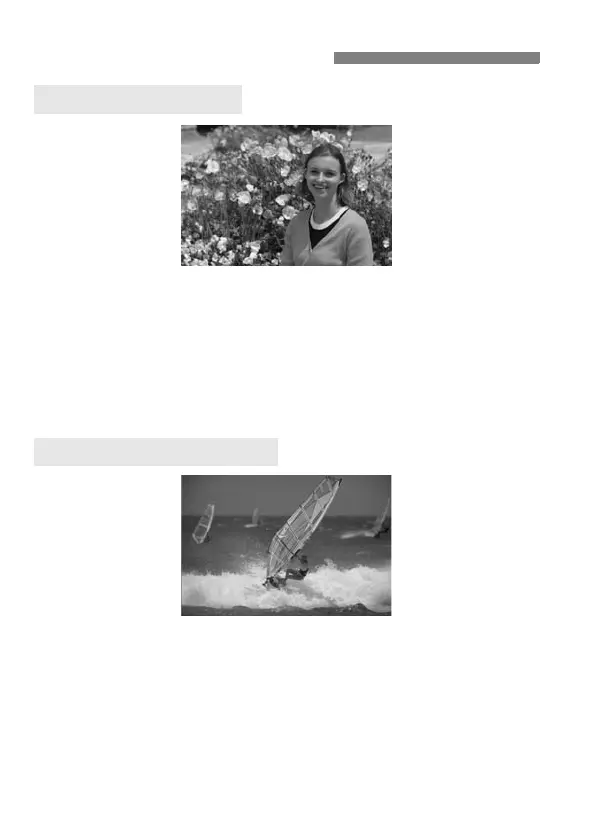
Depending on the scene, position the subject toward the left or right to
create a balanced background and good perspective.
In the <1> (Full Auto) mode, while you press the shutter button
halfway to focus a still subject, the focus will be locked. You can then
recompose the shot and press the shutter button completely to take the
picture. This is called focus lock. Focus lock is also possible in other
Basic Zone modes (except <5>).
In the <1> (Full Auto) mode, if the subject moves (distance to camera
changes) during or after you focus, AI Servo AF will take effect to focus
the subject continuously. As long as you keep aiming the AF point on
the subject while pressing the shutter button halfway, the focusing will
be continuous. When you want to take the picture, press the shutter
button completely.
1 Full Auto Techniques
Recomposing the Shot
Shooting a Moving Subject



 To Next Page