15
Quick Start Guide
6
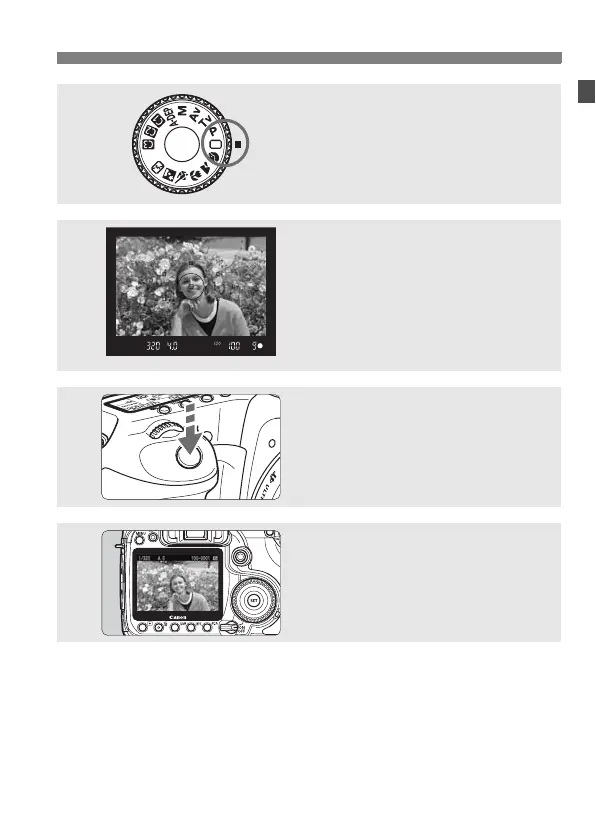
Set the Mode Dial to <1> (Full
Auto). (p.46)
All the necessary camera settings will
be set automatically.
7
Focus the subject. (p.32)
Look through the viewfinder and aim
the viewfinder center over the subject.
Press the shutter button halfway, and
the camera will focus the subject.
8
Take the picture. (p.32)
Press the shutter button completely to
take the picture.
9
Review the picture on the LCD
monitor.
(p.125)
The captured image will be displayed
for about 2 sec. on the LCD monitor.
To view the images captured so far, see “Image Playback” (p.116).
To delete an image, see “Erasing Images” (p.124).



 To Next Page