20
Nomenclature
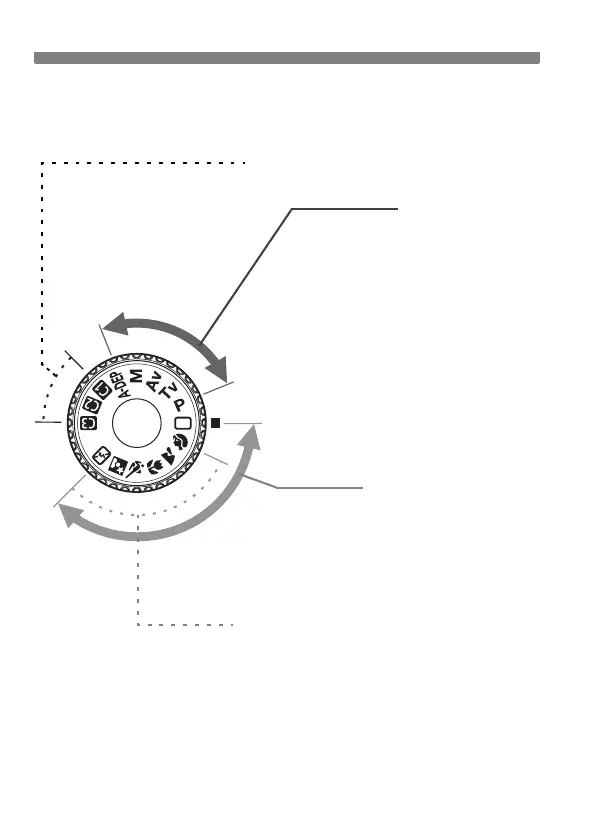
Mode Dial
The Mode Dial has the Basic Zone modes and Creative Zone modes.
Full Auto
Basic Zone
All you do is press the shutter
button. Fully automatic shooting for
specific kinds of subjects.
1: Full Auto (p.46)
Creative Zone
These modes give you more
control over the result.
d : Program AE (p.84)
s : Shutter-priority AE (p.86)
f : Aperture-priority AE (p.88)
a : Manual exposure (p.90)
8 : Automatic depth-of-field
AE (p.91)
Image Zone
2 : Portrait (p.49)
3: Landscape (p.50)
4 : Close-up (p.51)
5 : Sports (p.52)
6 : Night Portrait (p.53)
7: Flash Off (p.54)
Camera User Settings
Most camera settings can
be registered under w, x,
or y. (p.165)



 To Next Page