20
Nomenclature
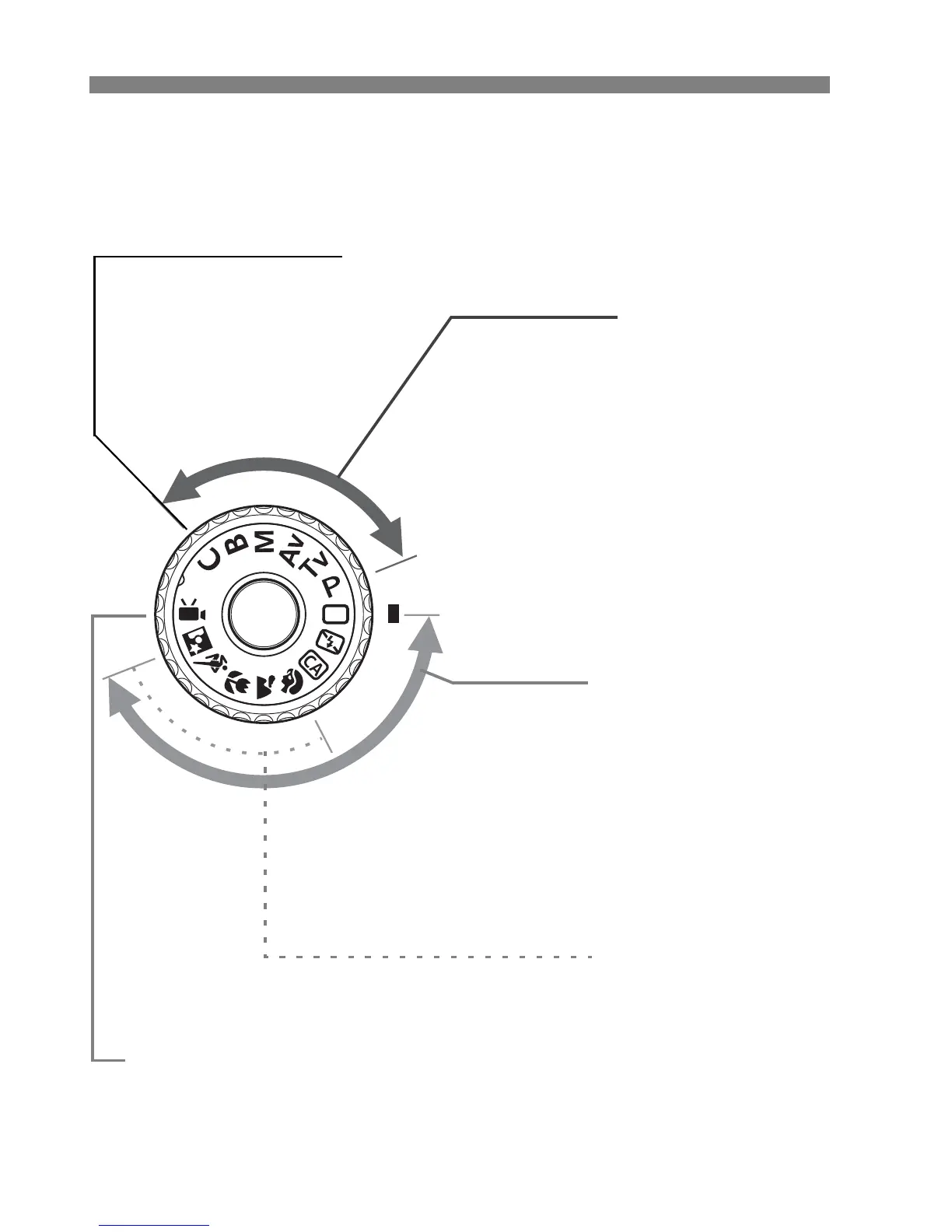
Mode Dial
Turn the Mode Dial while holding down the Mode Dial lock-release
button at the center.
Basic Zone
All you do is press the shutter
button. Fully-automatic shooting
suiting the subject.
1: Full Auto (p.54)
7: Flash Off (p.58)
C: Creative Auto (p.59)
Creative Zone
These modes give you more
control for shooting various
subjects.
d : Program AE (p.112)
s : Shutter-priority AE (p.114)
f : Aperture-priority AE (p.116)
a : Manual exposure (p.118)
F : Bu b (p.123)
Image Zone
2 : Portrait (p.62)
3: Landscape (p.63)
4 : Close-up (p.64)
5: Sports (p.65)
6 : Night Portrait (p.66)
Camera User Setting
You can register the shooting
mode (d/s/f/a/F), AF
mode, menu settings, etc., in
this Mode Dial setting and
shoot (p.262).
k: Movie shooting
(p.171)






 To Next Page