68
Except in the <1> (Full Auto) and <7> (Flash Off) Basic Zone
modes, you can select the ambience for shooting.
1
Set the Mode Dial to any of the
following modes: <C> <2>
<3> <4> <5> <6>
2
Display the Live View image.
Press the <A> button to switch to
Live View shooting.
3
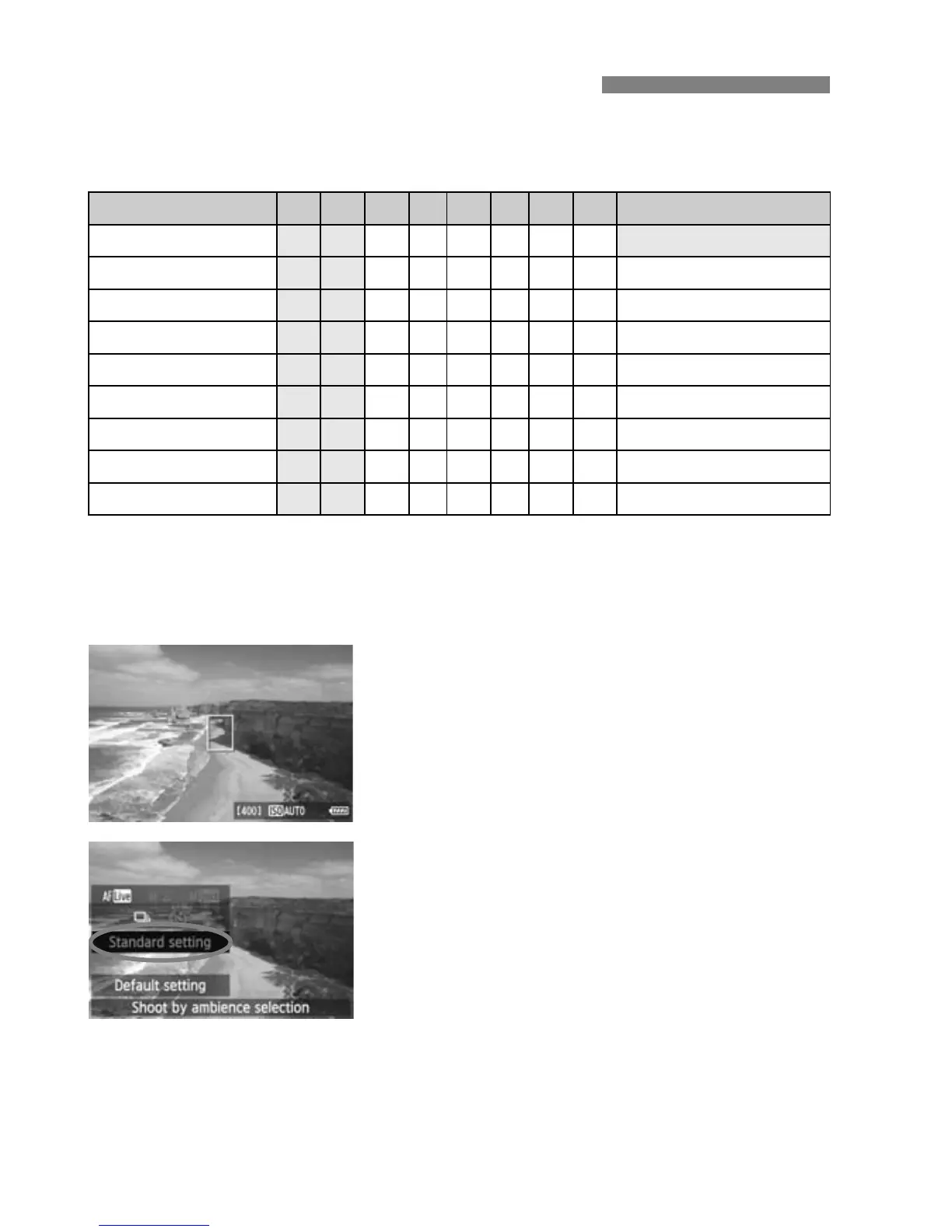
On the Quick Control screen,
select the desired ambience.
Press the <Q> button (7).
Press the <V> key to select
[Standard setting]. [Shoot by
ambience selection] will appear on
the screen’s bottom.
Press the <U> key to select the
desired ambience.
X
The LCD monitor will show how the image
will look with the selected ambience.
Shoot by Ambience Selection
Ambience 1 7 C 2 3 4 5 6 Ambience Effect
(1) Standard setting
k k k k k k
No setting
(2) Vivid
k k k k k k
Low / Standard / Strong
(3) Soft
k k k k k k
Low / Standard / Strong
(4) Warm
k k k k k k
Low / Standard / Strong
(5) Intense
k k k k k k
Low / Standard / Strong
(6) Cool
k k k k k k
Low / Standard / Strong
(7) Brighter
k k k k k k
Low / Medium / High
(8) Darker
k k k k k k
Low / Medium / High
(9) Monochrome
k k k k k k
Blue / B/W / Sepia






 To Next Page