67
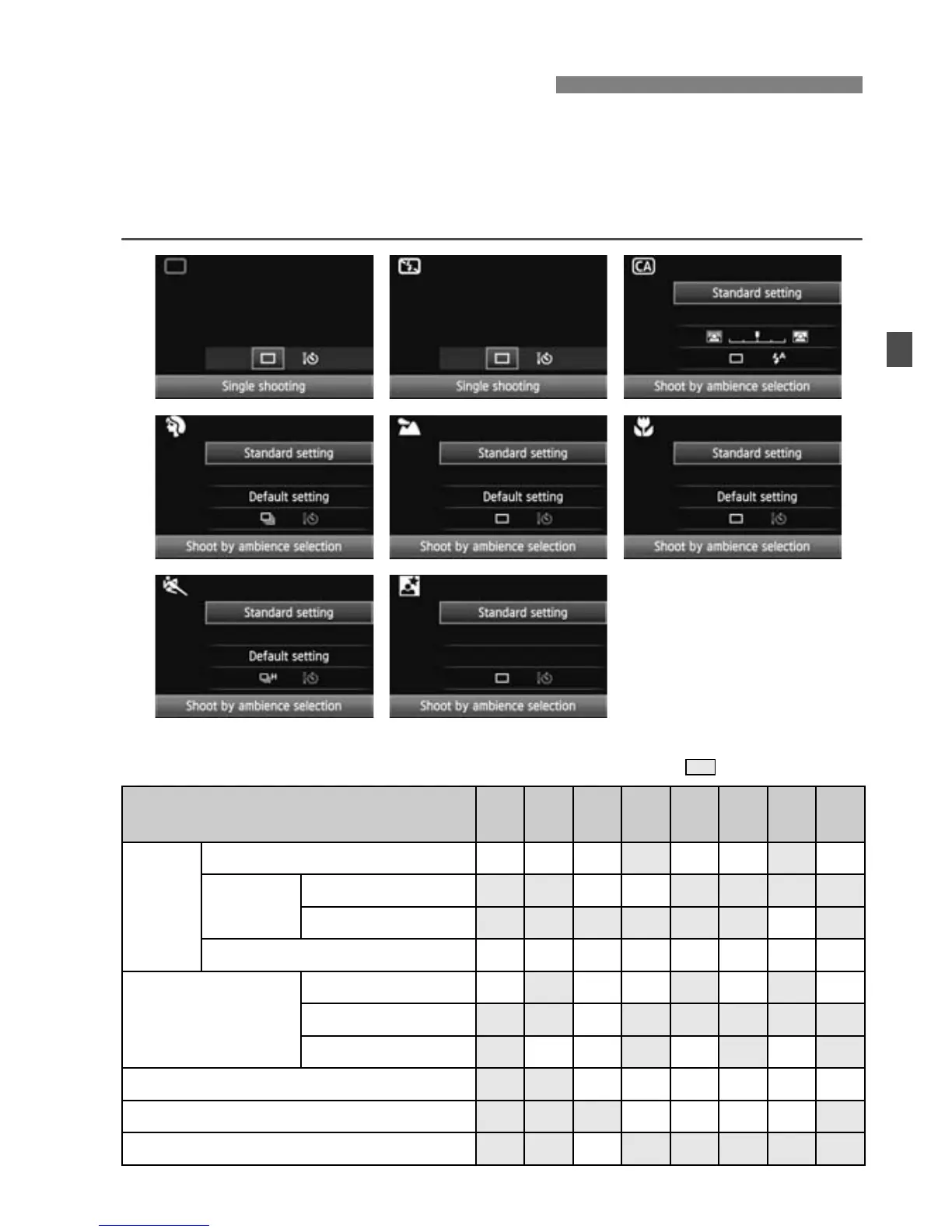
In Basic Zone modes, you can press the <Q> button to display the
Quick Control screen. The table below indicates the functions that can
be set with the Quick Control screen in each Basic Zone mode. For the
setting procedure, see page 44.
Settable Functions on the Quick Control Screen in Basic Zone Modes
o: Automatically set k: User selectable : Not selectable
Q Quick Control Screen
Function
1
(p.54)
7
(p.58)
C
(p.59)
2
(p.62)
3
(p.63)
4
(p.64)
5
(p.65)
6
(p.66)
Drive
Single shooting
k k k k k k
Continuous
shooting
Low-speed
k k
High-speed
k
Self-timer: 10 sec./Remote control
k k k k k k k k
Flash firing
Automatic firing
o k o o o
Flash on
k
Flash off
o k o o
Shoot by ambience selection (p.68)
k k k k k k
Shoot by lighting or scene type (p.71)
k k k k
Blurring/sharpening the background (p 60)
k







 To Next Page