221
Creative Filters
5
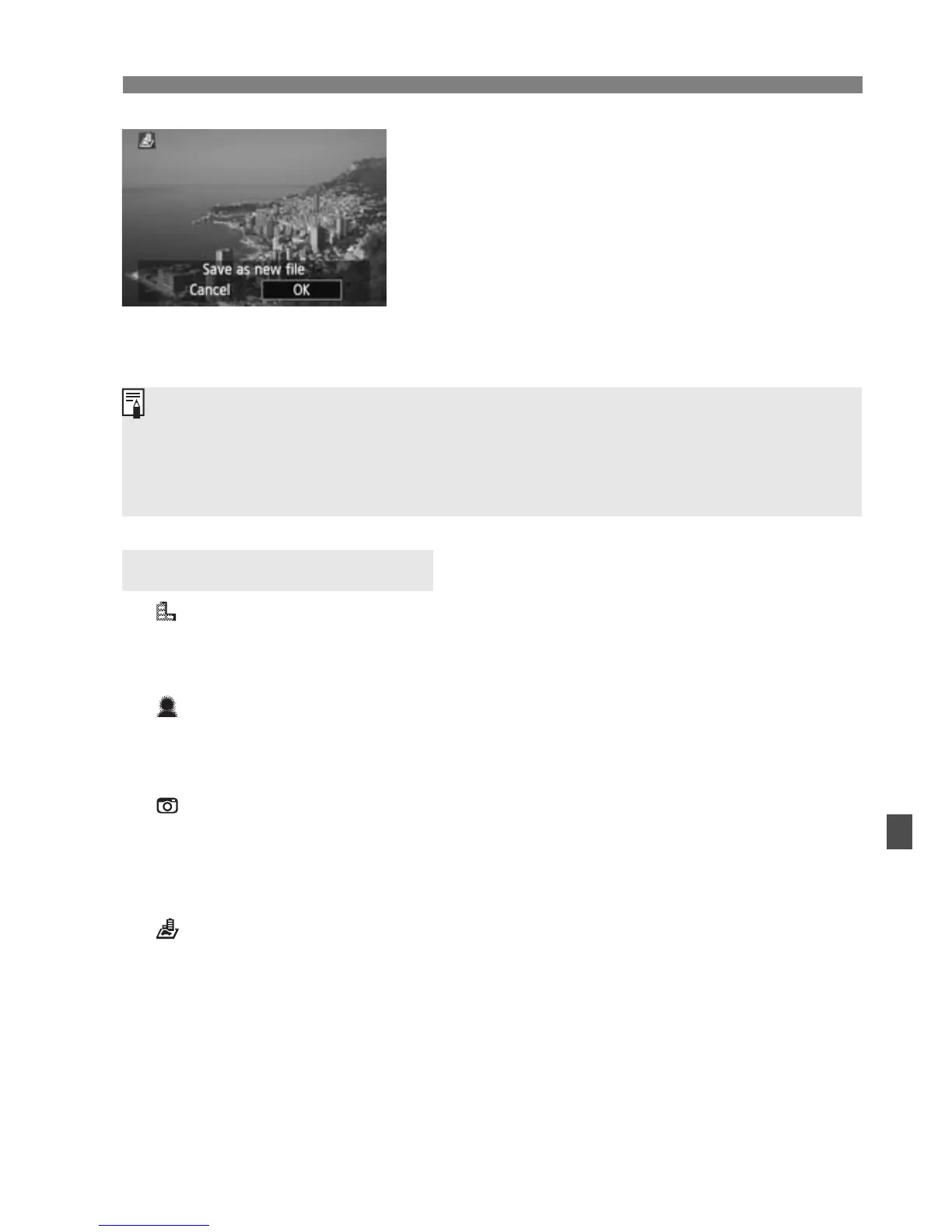
Save the image.
Select [OK] to save the image.
Note the destination folder and image
file number, then select [OK].
To apply a filter to another image,
repeat steps 2 to 5.
To exit and return to the menu, press
the <M> button.
Grainy B/W
Makes the image grainy and black and white. By adjusting the
contrast, you can change the black-and-white effect.
Soft focus
Gives the image a soft look. By adjusting the blur, you can change
the degree of softness.
Toy camera effect
Gives a color cast typical of toy cameras and darkens the image’s
fours corners. By adjusting the color tone, you can change the color
cast.
Miniature effect
Creates a diorama effect. In step 4, you can press the <B>
button to change the orientation (vertical/horizontal) of the white
frame that shows where you want the image to look sharp.
Creative Filter Features
With 1+JPEG images, the 1 image will be applied with the Creative
filter and saved as a JPEG image.
With 41+JPEG and 61+JPEG images, the Creative filter will be
applied to the JPEG image.






 To Next Page