280
Menu Settings
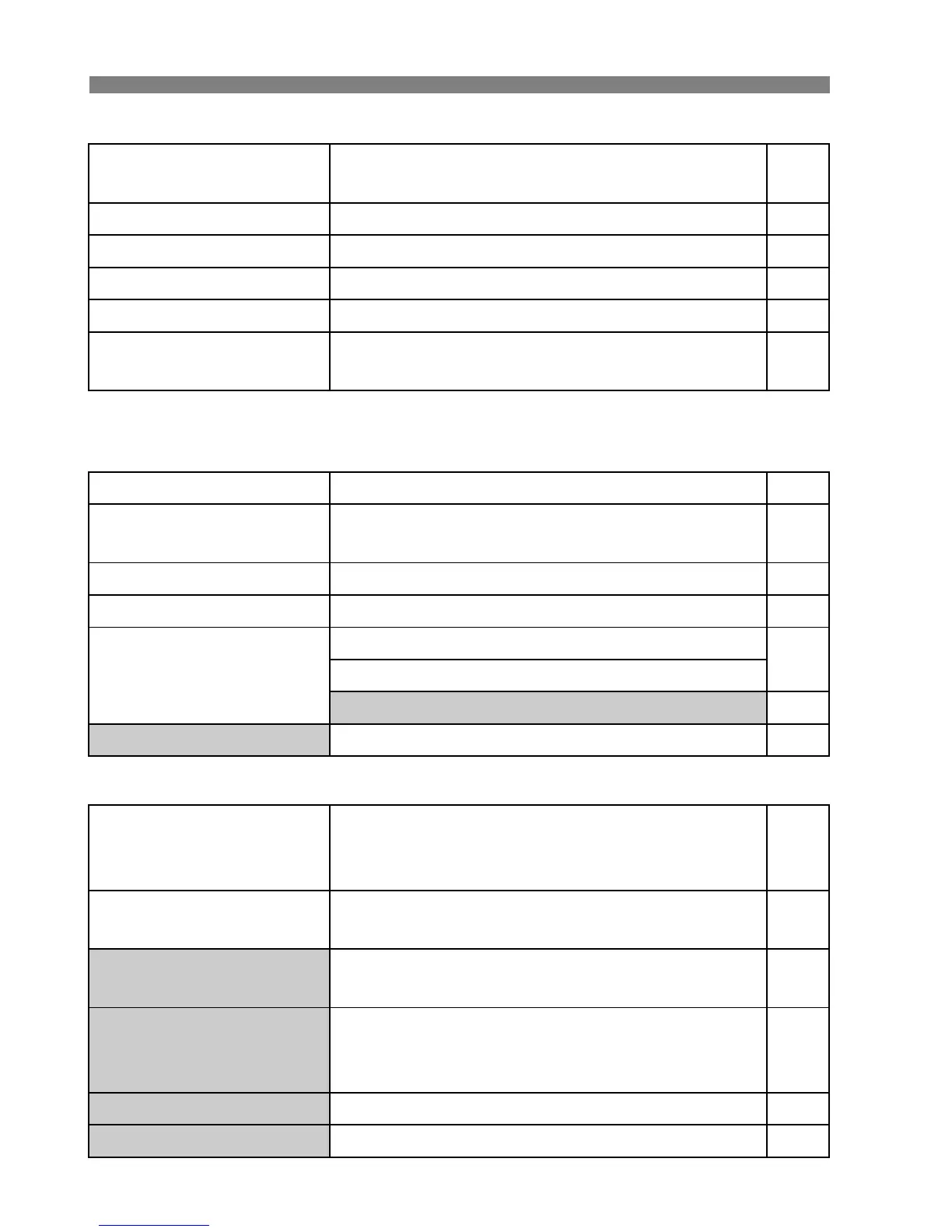
5 Set-up 1 (Yellow) Page
* Displayed only when an Eye-Fi card is used.
6 Set-up 2 (Yellow)
7 Set-up 3 (Yellow)
Auto power off
1min. / 2 min. / 4 min. / 8 min. / 15 min. /
30 min. / Off
50
Auto rotate
OnzD / OnD / Off 218
Format
Initialize and erase data on he card 48
File numbering
Continuous / Auto reset / Manual reset 106
Select folder
Create and select a folder 104
Eye-Fi settings*
Eye-Fi transmission: Disable / Enable
Connection information
273
LCD brightness
Adjustable to one of seven brightness levels 217
Date/Time
Set the date (year, month, day) and time (hour,
min., sec.)
30
LanguageK
Select the interface language 31
Video system
NTSC / PAL 212
Sensor cleaning
Auto cleaning: Enable / Disable
230
Clean now
Clean manually 233
Lock 5 Disable / Enable 42
Battery info.
Type, Remaining capacity, Shutter count,
Recharge performance, Battery registration,
Battery history
268
INFO. button display
options
Displays camera settings / Electronic level /
Displays shooting functions
266
Camera user settings
Register current camera settings to the Mode
Dial’s <w> position
262
Copyright information
Display copyright information / Enter author’s
name / Enter copyright details / Delete
copyright information
108
Clear all camera settings
Resets the camera to the default settings 51
Firmware Ver. For updating the firmware –






 To Next Page