ISO:
Setting the ISO Speed *
About
"A"
(Auto) ISO Speed
c
J
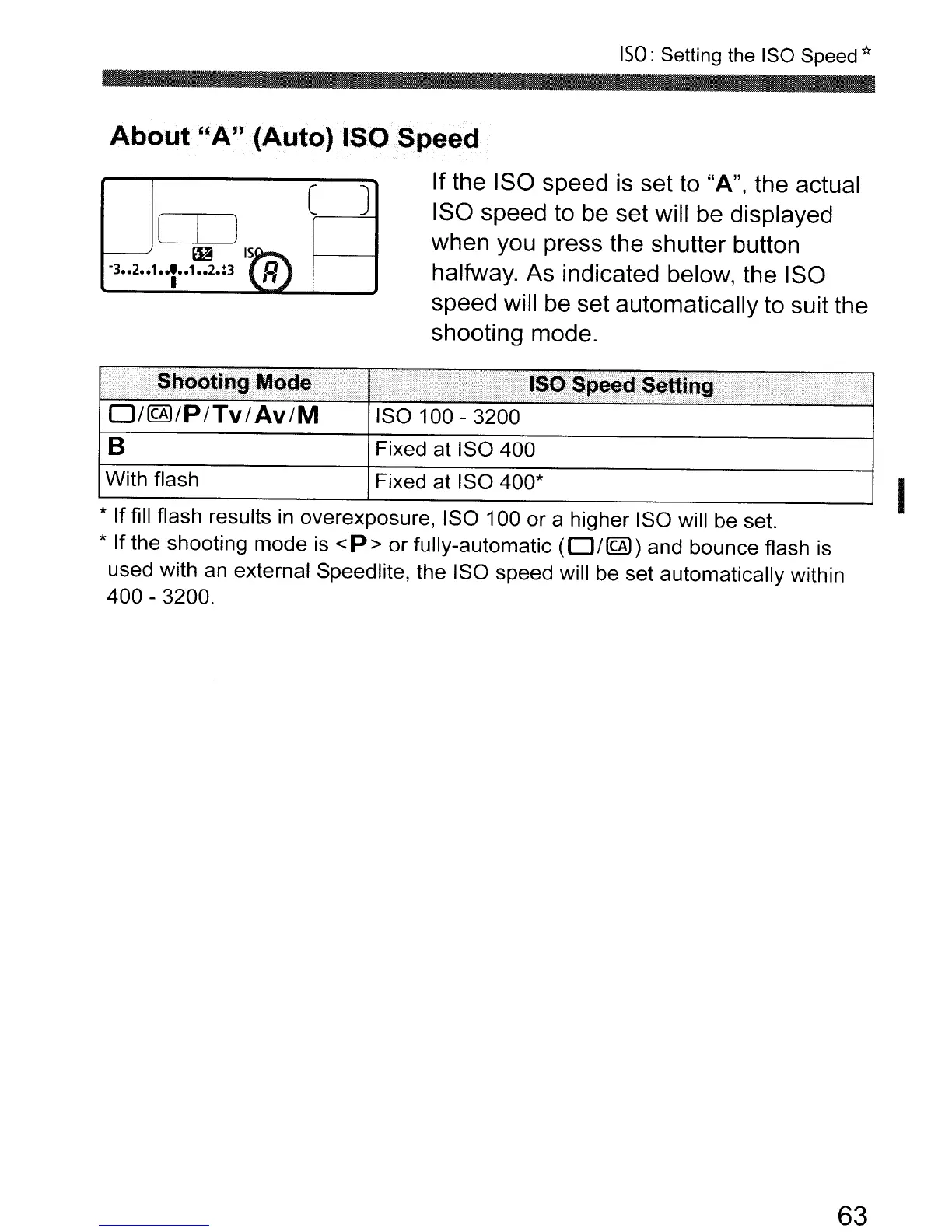
If
the ISO speed
is
set to "A", the actual
ISO speed to be set will be displayed
when you press the shutter button
halfway. As indicated below, the ISO
speed will be set automatically to suit the
shooting mode.
* If fill flash results
in
overexposure, ISO 100 or a higher ISO will be set.
* If the shooting mode is
<P>
or fully-automatic
(O/@))
and bounce flash is
used with an external Speedlite, the ISO speed will be set automatically within
400 - 3200.
D/@)/P/Tv/Av/M
B
With flash
ISO 100 - 3200
Fixed at ISO 400
Fixed at ISO 400*
63
I



 To Next Page