ix
Displays Used in This Manual
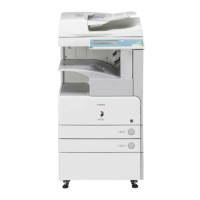
Screen shots used in this manual are those taken when the following optional
equipment is attached to the imageRUNNER 3025: the Super G3 FAX Board, PS
Printer Kit, Finisher-S1, Additional Finisher Tray-B1, Copy Tray-J1, and Cassette
Feeding Unit-Y3.
Functions that are unavailable due to a particular combination of accessories and
optional equipment are not displayed on the web browser. Therefore, screen shots
of computer operation screens used in this manual may differ from the ones you
actually see, depending on the model or options that come with your machine.
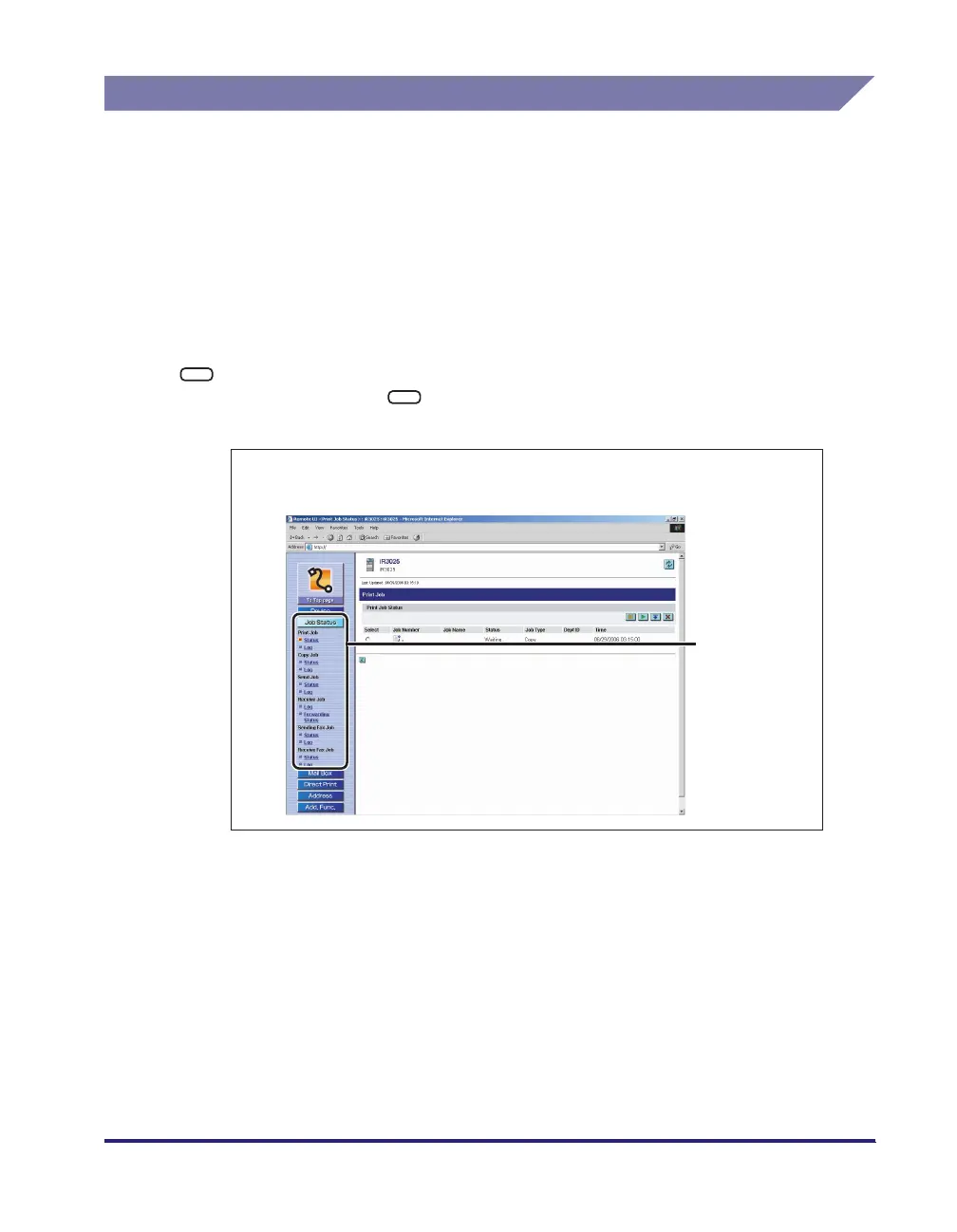
The keys or buttons that you need to click during the procedure are marked with a
, as shown in the example below. If multiple keys or buttons can be clicked, they
are all enclosed within a . Select the appropriate key or button according to
your needs.
1
Click [Job Status] ➞ Click [Status] or [Log] from the menu that
appears under [Print Job].
Click one of
these keys for
operation.





 To Next Page