Customizing System Settings
3-8
3
Customizing Settings
Restarting the Machine
The System Manager Settings enable you to restart the machine from the Remote
UI.
CAUTION
When the machine is restarted, all the jobs currently underway are canceled.
Make sure that all processing is complete before restarting the machine.
IMPORTANT
•
If the System Manager Settings are not set, the machine cannot be restarted from the
Remote UI.
•
After you change the network settings, restart the machine to enable the changed
settings.
1
Click [Add.Func.] ➞ enter the user name and password.
2
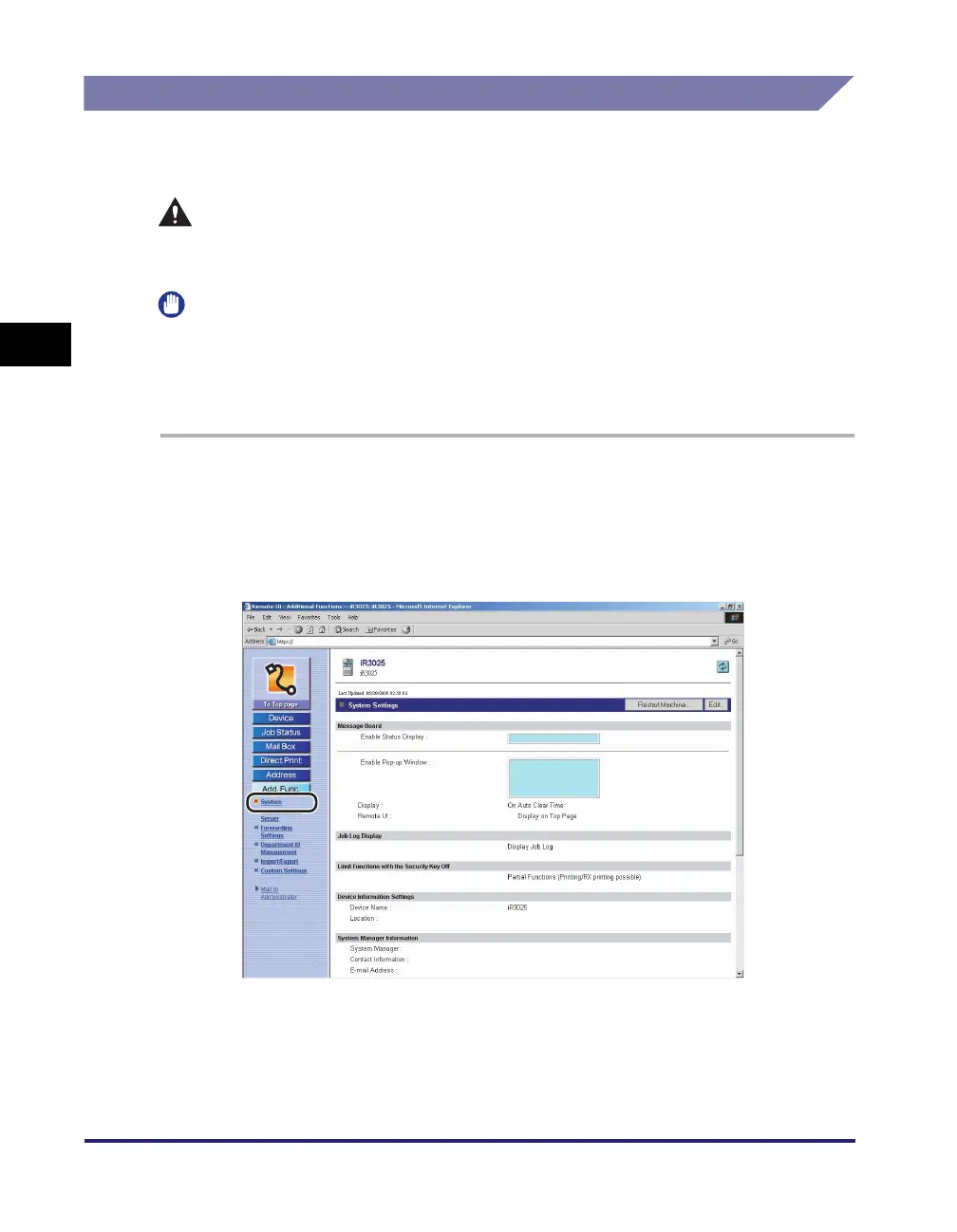
Select [System] from the menu that appears under
[Add.Func.].
3
Click [Restart Machine].
4
Click [Perform Restart].















 To Next Page