Job Management
2-8
2
Checking and Managing Functions
Managing Copy, Send, and Fax Jobs
1
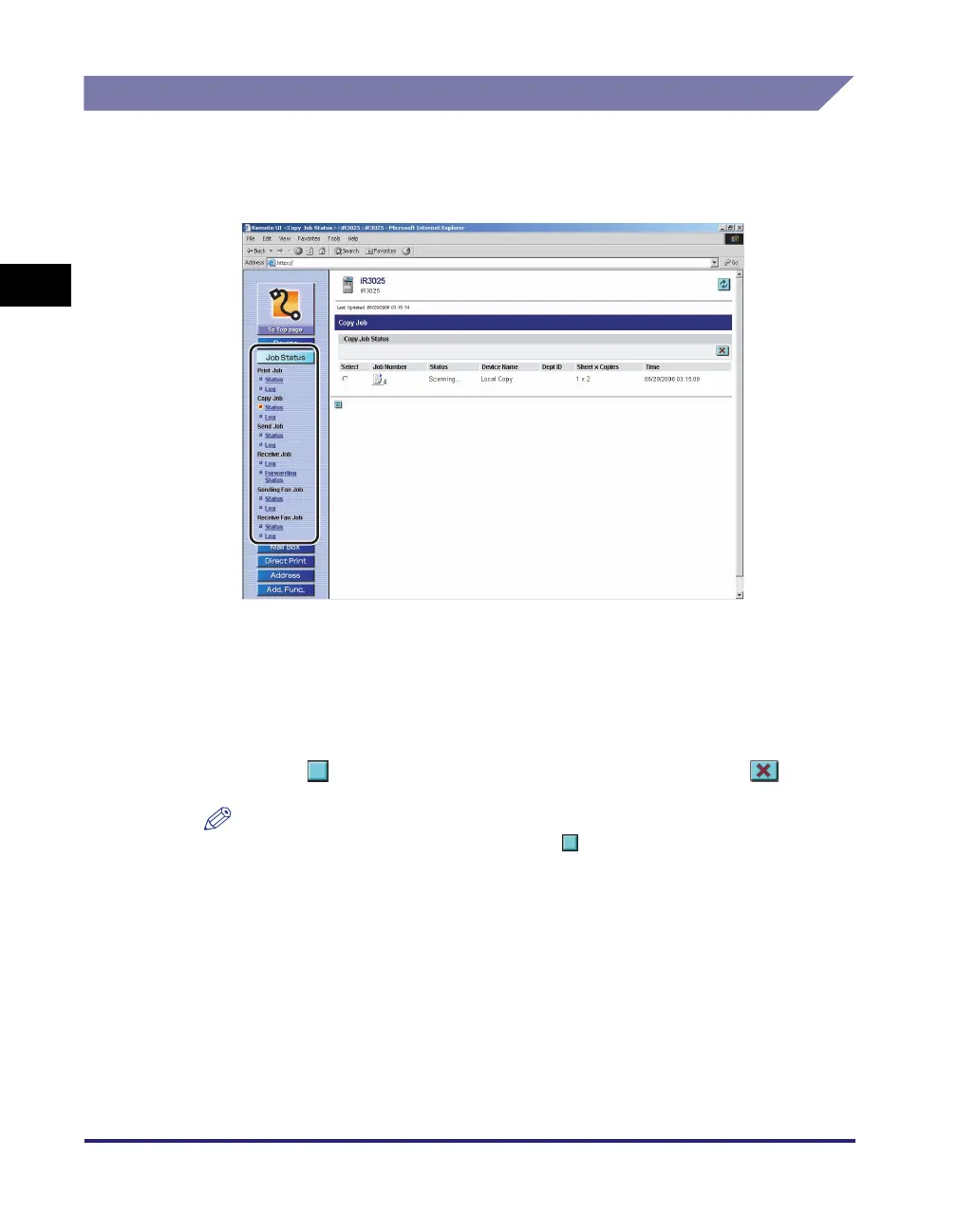
Click [Job Status] ➞ select the job type and click [Status] or
[Log] from the menu that appears under [Job Status].
If Department ID Management is set, a dialog box prompting you to enter the
Department ID and password appears. Enter the Department ID and password
➞ click [OK].
● To cancel a job:
❑
Click [Status].
❑ Click [ ] (Select) next to the job that you want to cancel ➞ click [ ] (Delete).
NOTE
A triangular mark appears when you click [ ] (Select), and the job is selected.
● To display the details of the job:
❑
Click [Status].
❑ Click the job number.
● To display the job log:
❑
Click [Log].















 To Next Page