Managing Inboxes
2-21
2
Checking and Managing Functions
Divided Data RX Inbox
1
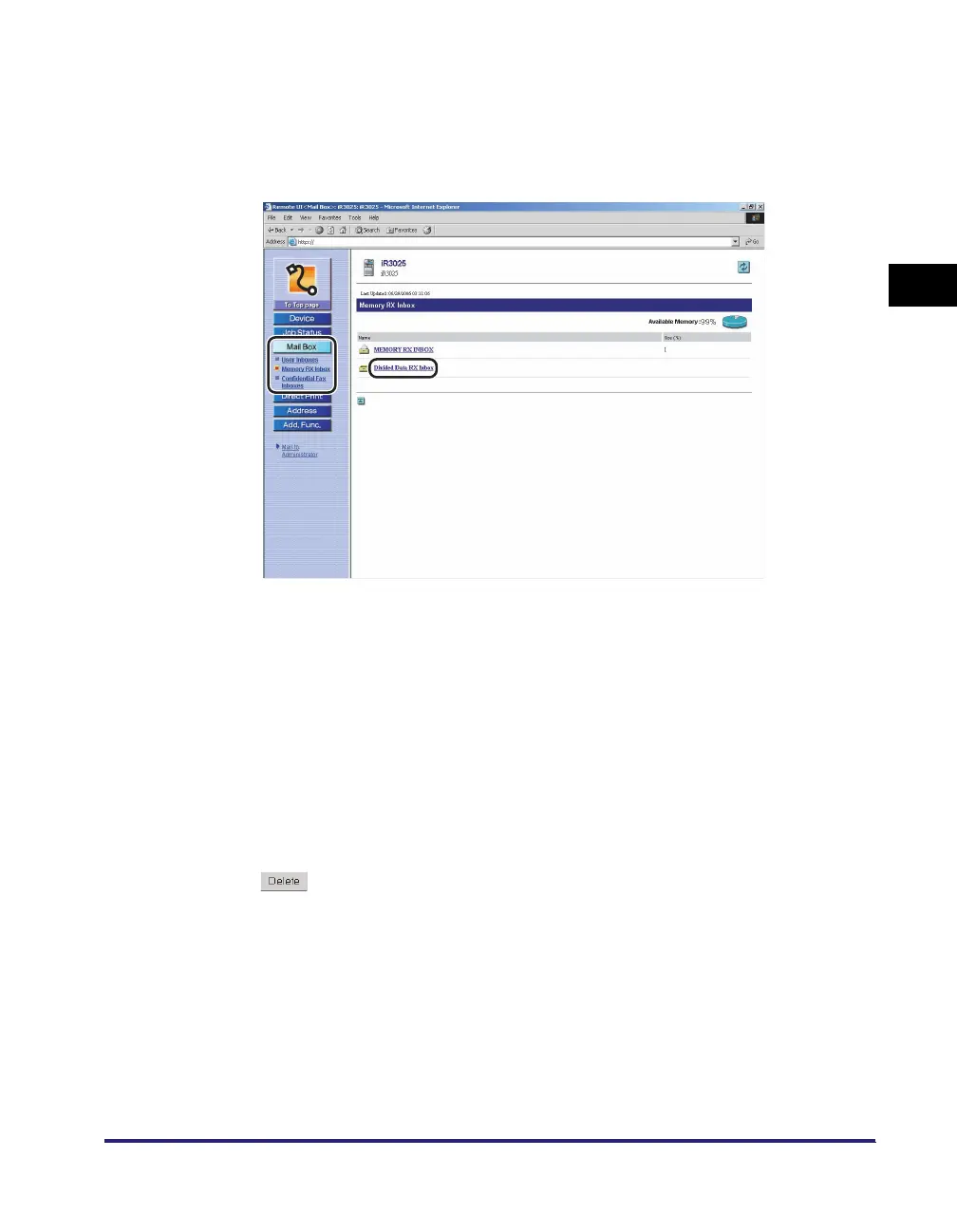
Click [Mail Box] ➞ select [Memory RX Inbox] from the menu
that appears under [Mail Box] ➞ click [Divided Data RX Inbox].
If Department ID Management is set, a dialog box prompting you to enter the
Department ID and password appears. Enter the Department ID and password
➞ click [OK].
If the Divided Data RX Inbox is set with a password, enter the password ➞ click
[OK].
2
If you want to select and perform an operation on a document,
select the check box next to the document under [Select] ➞
click one of the buttons on the Divided Data Inbox toolbar.
Details of each item are shown below.
● To delete the document:
❑
Click [Delete].
To print a document before deleting it, select [Print When Erased] before
clicking [Delete].
Deletes the selected document. Once a document is deleted, it cannot
be retrieved.















 To Next Page