Managing Inboxes
2-18
2
Checking and Managing Functions
Memory RX Inbox
IMPORTANT
The Memory RX Inbox function is available only if the Universal Send Kit is activated, or
the optional Super G3 FAX Board or Super G3 Multi-Line FAX Board is installed.
Memory RX Inbox
1
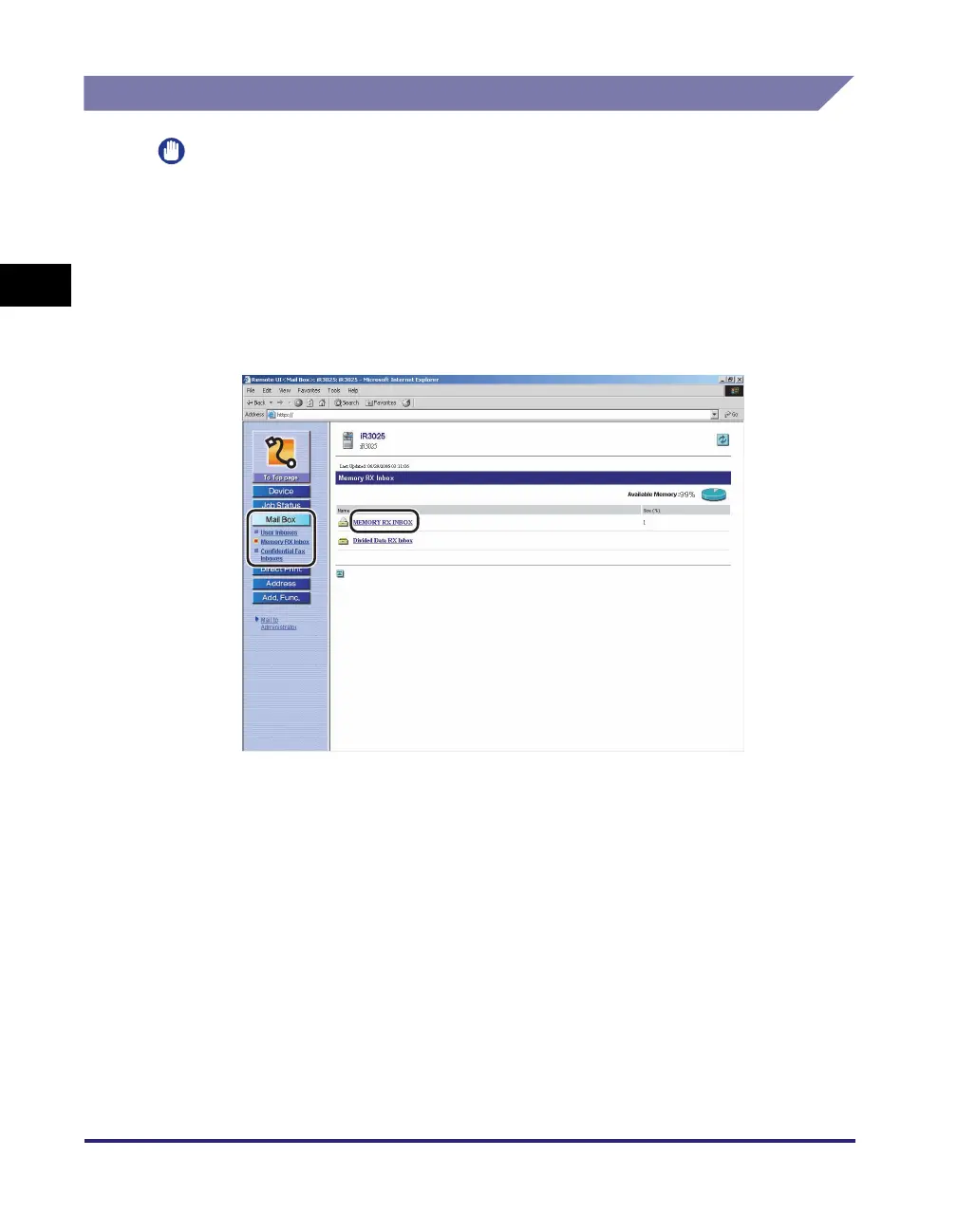
Click [Mail Box] ➞ select [Memory RX Inbox] from the menu
that appears under [Mail Box] ➞ click [MEMORY RX INBOX].
If Department ID Management is set, a dialog box prompting you to enter the
Department ID and password appears. Enter the Department ID and password
➞ click [OK].
If the Memory RX Inbox is set with a password, enter the password ➞ click [OK].















 To Next Page