Import/Export Function
3-28
3
Customizing Settings
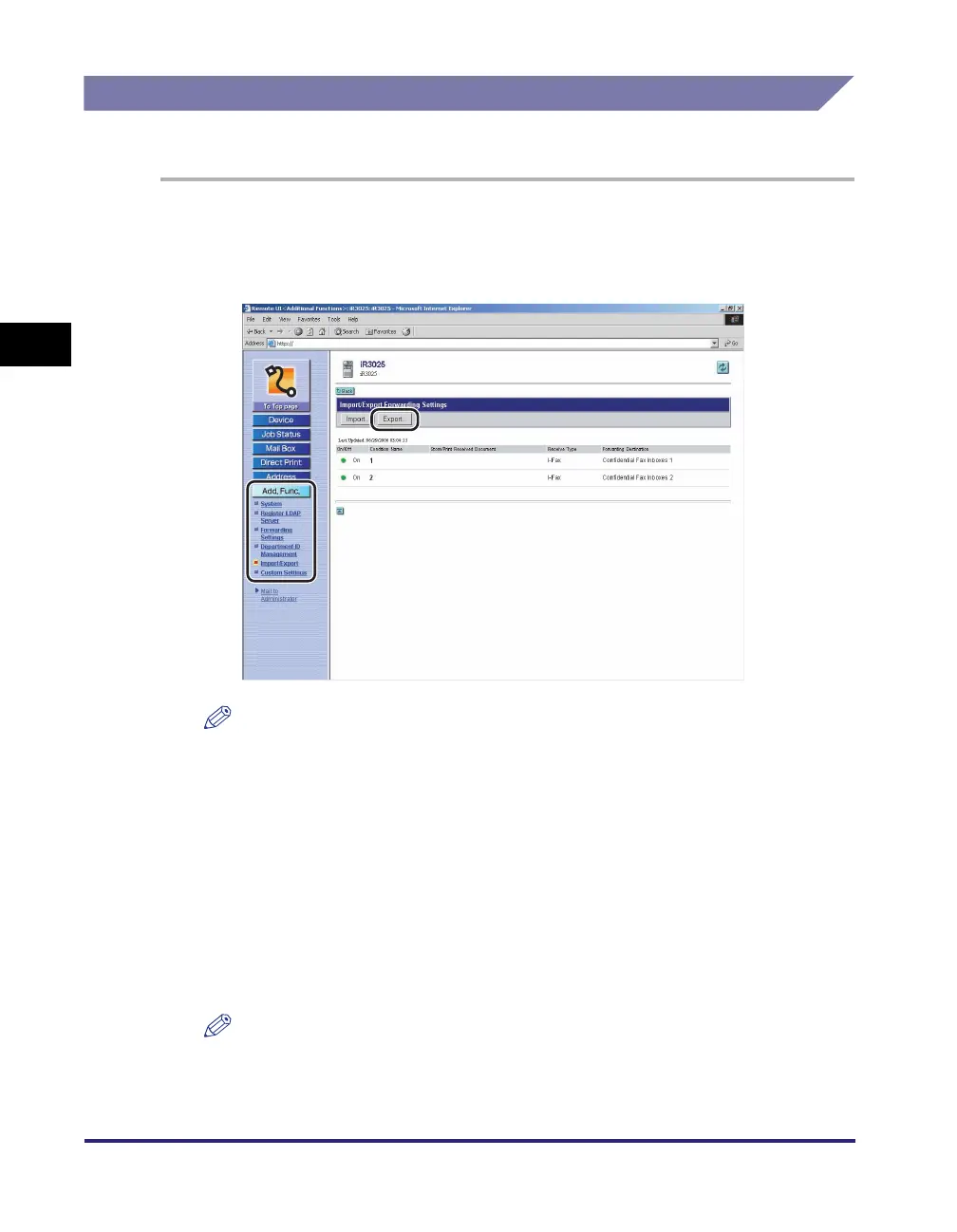
Saving Forwarding Settings in Files (Export)
You can store forwarding settings as a file in your computer.
1
Click [Add. Func.] ➞ select [Import/Export] from the menu that
appears under [Add. Func.] ➞ click [Forwarding Settings] ➞
click [Export].
NOTE
If the System Manager ID and password are set, a dialog box prompting you to
enter the System Manager ID and password appears. Enter the System Manager
ID and password
➞
click [OK].
2
Click [Start Export].
The contents of the Address Book are exported.
If you want to encrypt the passwords of the exported addresses, select [Encrypt
Confidential Information of Address Book] ➞ enter a password in the [Password]
entry box ➞ enter the same password in the [Confirm] entry box to confirm the
password.
NOTE
If you import encrypted address data into a machine which does not have a
decryption function, fax and file server addresses set with a password may not be
imported, or may not be imported correctly.















 To Next Page