Import/Export Function
3-31
3
Customizing Settings
Saving Additional Functions Settings in Files (Export)
You can store Additional Functions settings as a file in your computer.
1
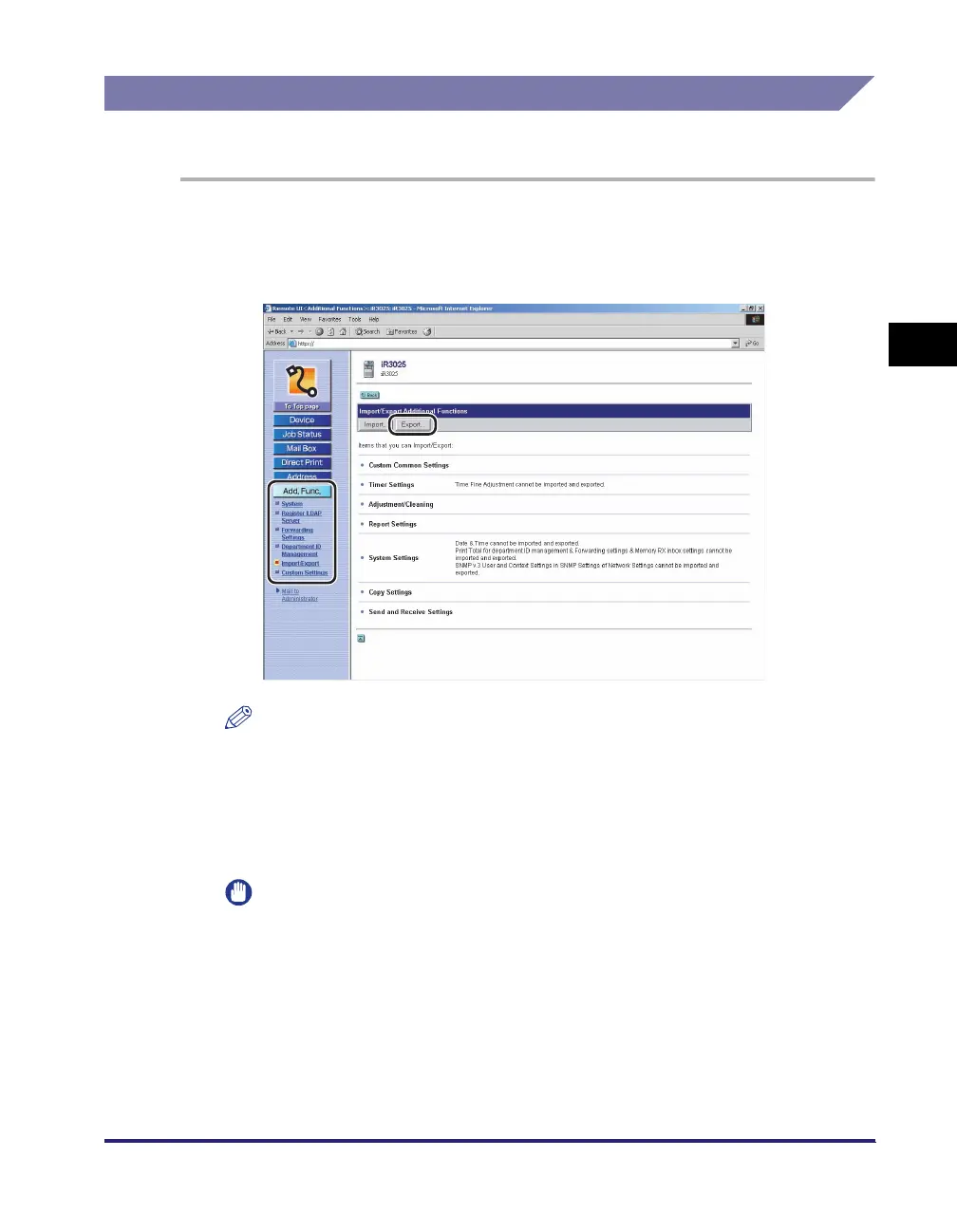
Click [Add. Func.] ➞ select [Import/Export] from the menu that
appears under [Add. Func.] ➞ click [Additional Functions] ➞
click [Export].
NOTE
If the System Manager ID and password are set, a dialog box prompting you to
enter the System Manager ID and password appears. Enter the System Manager
ID and password
➞
click [OK].
2
Click [Start Export].
IMPORTANT
If the System Manager ID is not set when the Additional Functions settings file is
exported, the print totals under Department ID Management are cleared when the
file is imported. However, if the System Manager ID is set, the print totals in the
machine are overwritten by the print totals saved in the file.
3
Follow the instructions on the screen to specify the location
where you want to save the file.















 To Next Page