Device Status and Information Display
2-2
2
Checking and Managing Functions
Device Status and Information Display
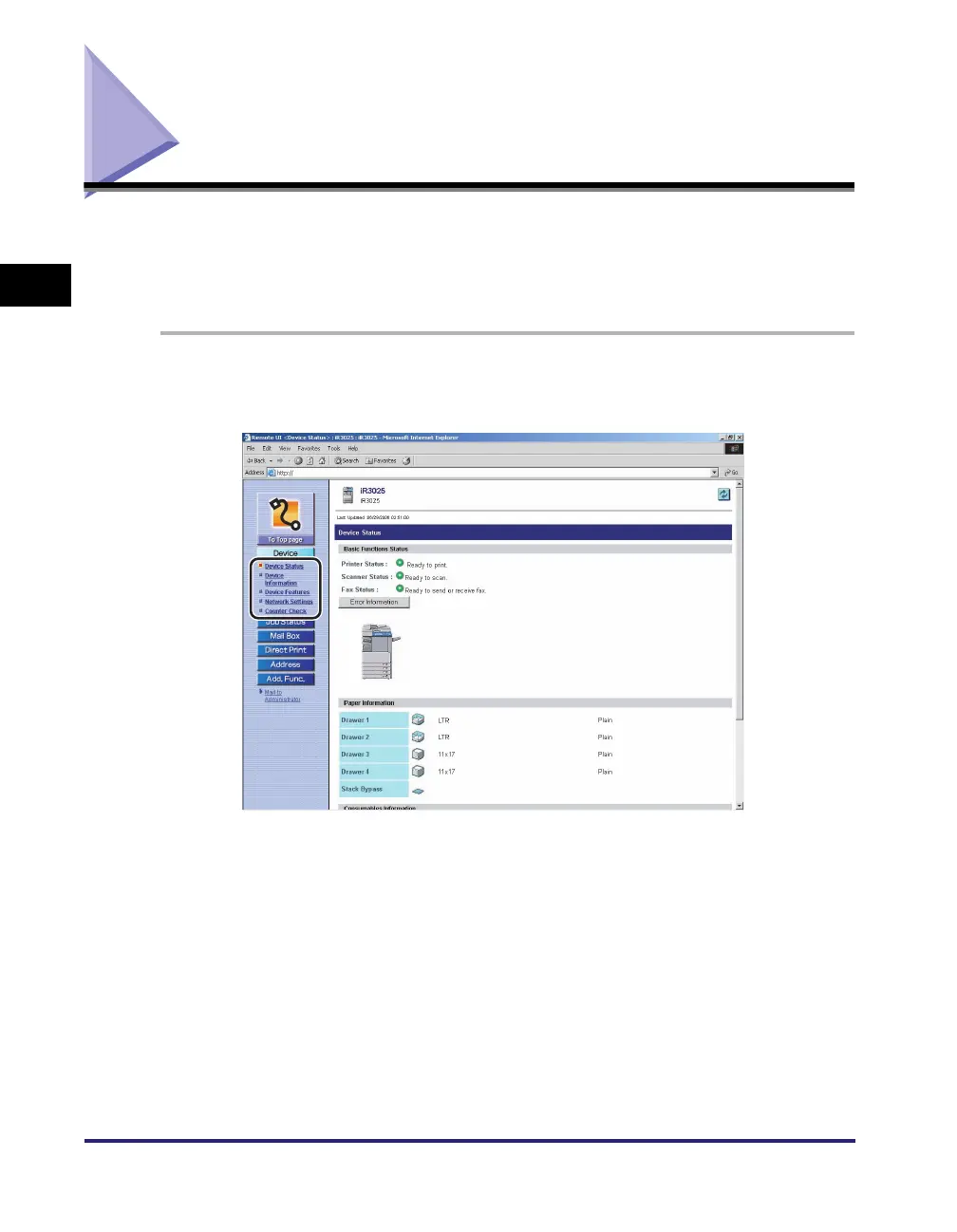
You can use the Remote UI (User Interface) to check the machine's current status,
such as the amount of paper remaining in the various paper sources, and to check
for any errors. You can also obtain information on the machine's system manager,
the location where the machine is installed, and the machine's protocol settings.
1
Click [Device] ➞ select the item you want to display from the
menu that appears under [Device].















 To Next Page