Import/Export Function
3-23
3
Customizing Settings
Saving the Address Book
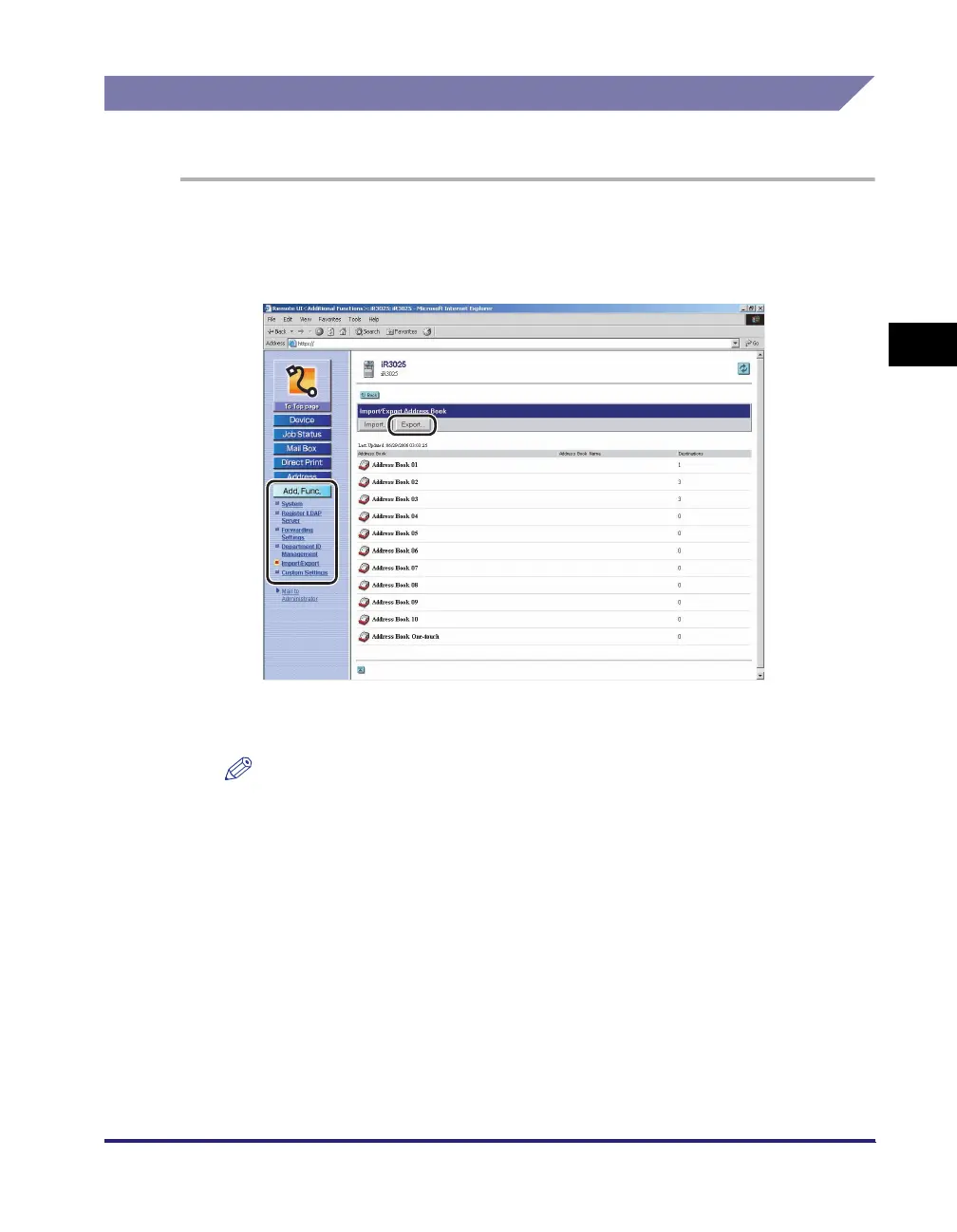
You can store the Address Book as a file in your computer.
1
Click [Add. Func.] ➞ select [Import/Export] from the menu that
appears under [Add. Func.] ➞ click [Address Book] ➞ click
[Export].
If a password is set for the Address Book, a dialog box prompting you to enter
the password appears. Enter the Address Book password ➞ click [OK].
NOTE
If the System Manager's ID and password are set, a dialog box prompting you to
enter the System Manager ID and password appears. Enter the System Manager
ID and password
➞
click [OK].















 To Next Page