Overview of the Remote UI
1-5
1
Using the Remote UI
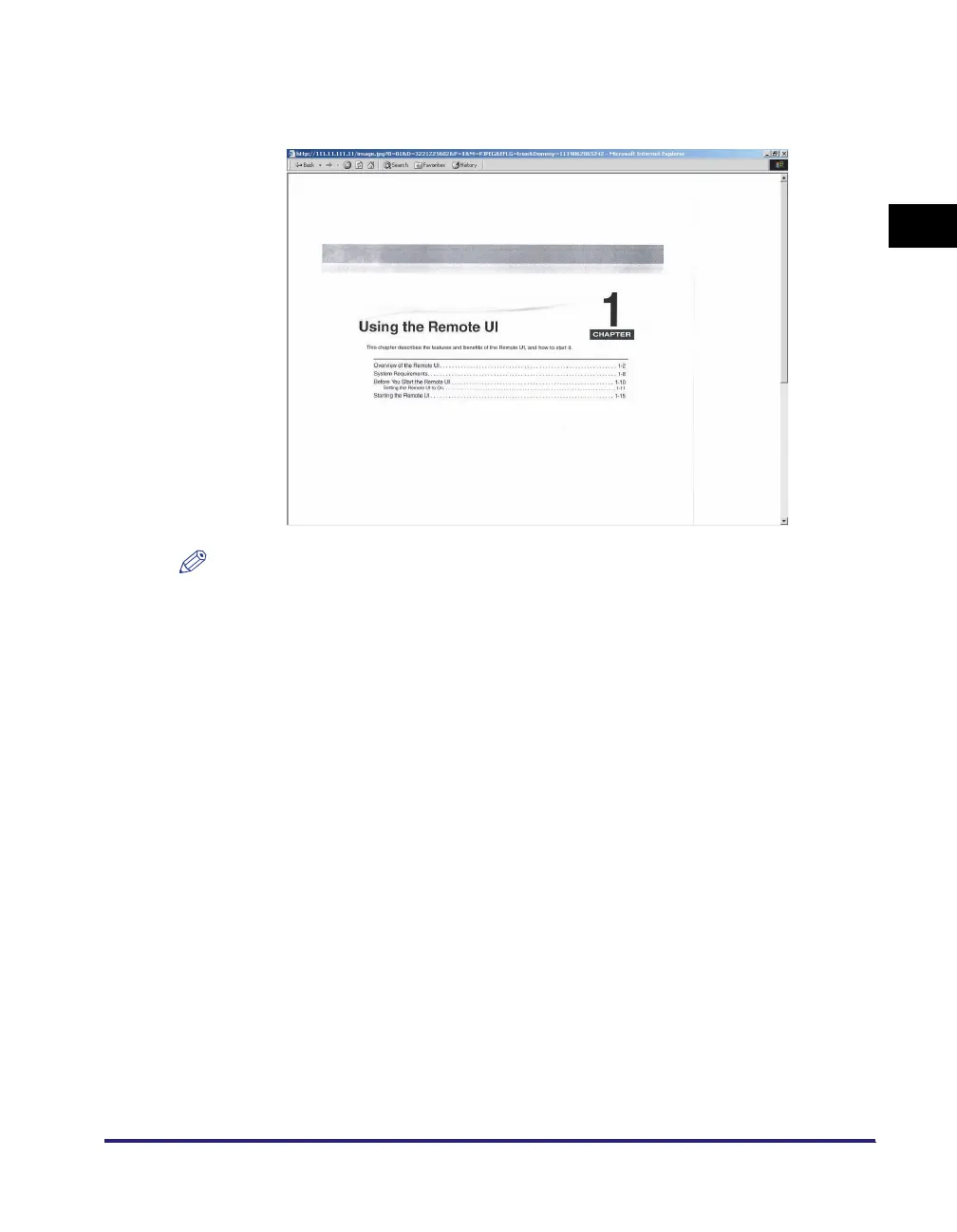
■ Viewing documents stored in inboxes on your computer screen
You can view documents in the machine's inboxes in the TIFF format by clicking [Mail
Box].
NOTE
•
To view images in the TIFF format, you need an application that supports the TIFF format
(e.g., Imaging for Windows).
•
To view images on a Macintosh, you need an application that supports the TIFF formats.
If you use QuickTime, version 6.0.1 or later is required.





 To Next Page