Managing Department IDs
3-19
3
Customizing Settings
1
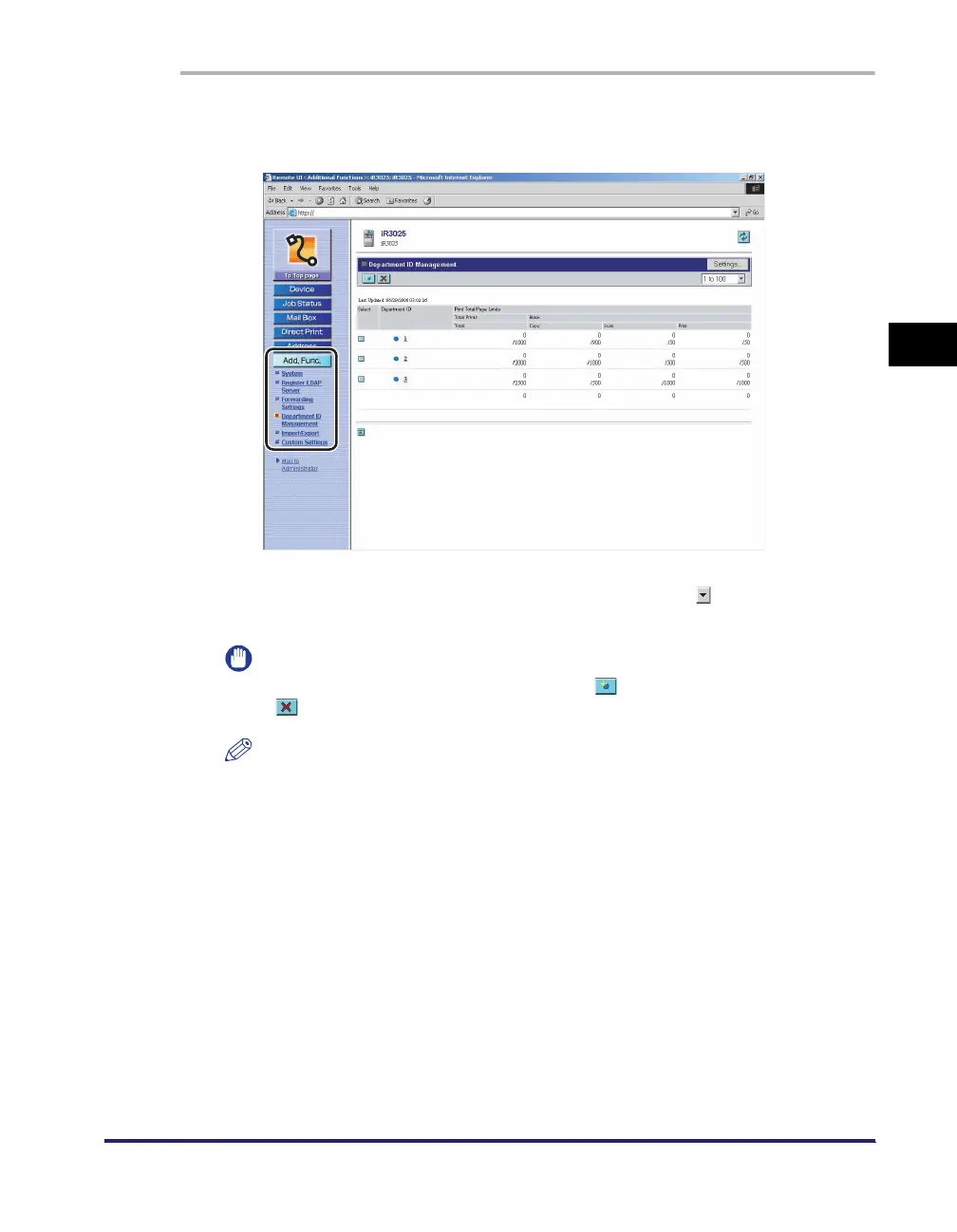
Click [Add. Func.] ➞ select [Department ID Management] from
the menu that appears under [Add. Func.].
The list of Department IDs registered in the machine is displayed in groups of
one hundred. If you want to display another group, click [ ] (Dept. ID Group)
drop-down list ➞ select a group from the drop-down list.
IMPORTANT
If the optional Card Reader-C1 is attached, [ ] (Register New Department) and
[ ] (Delete the Selected Department) do not appear.
NOTE
If the System Manager ID and password are set, a dialog box prompting you to
enter the System Manager ID and password appears. Enter the System Manager
ID and password
➞
click [OK].















 To Next Page