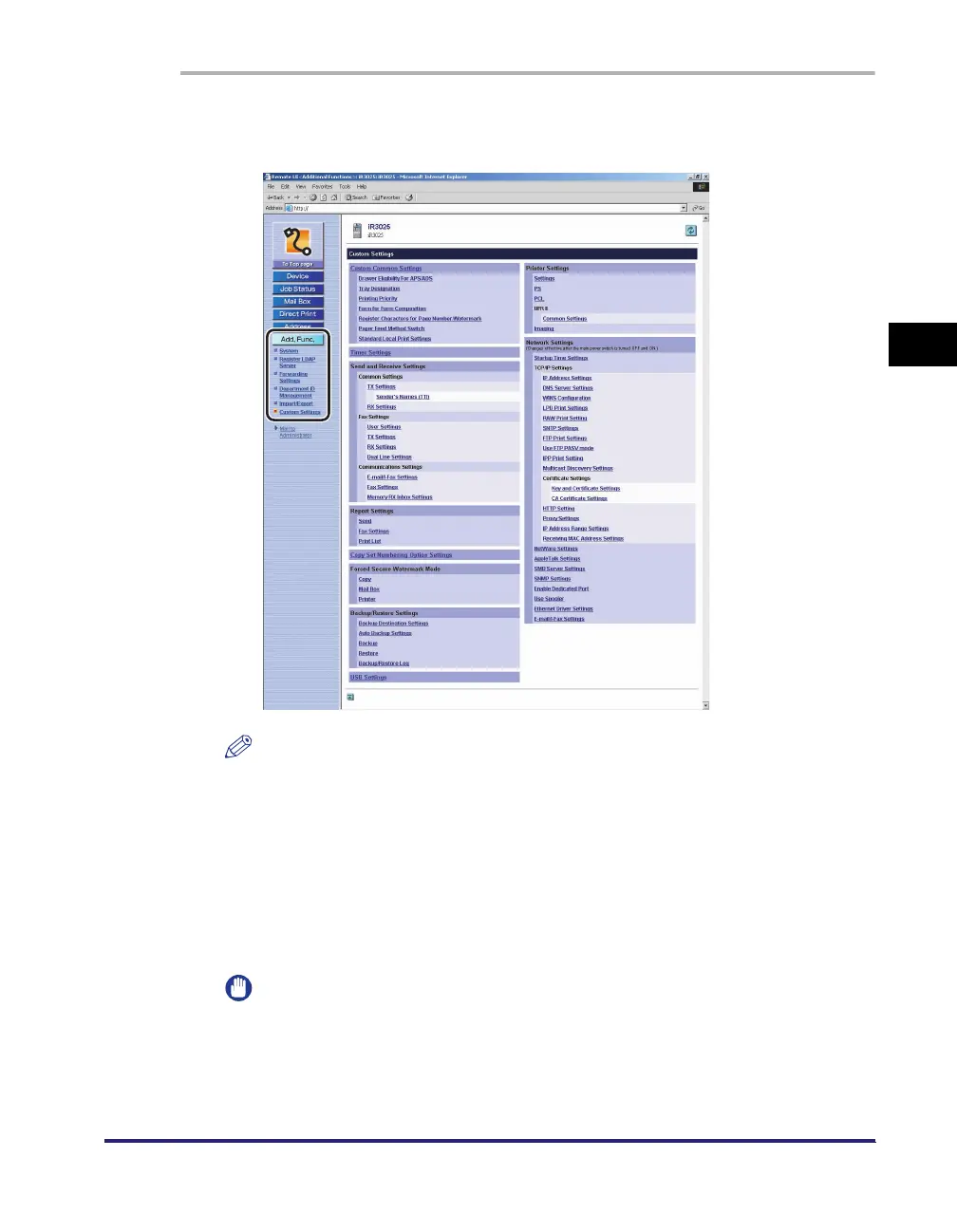
Device Custom Settings
3-37
3
Customizing Settings
1
Click [Add. Func.] ➞ select [Custom Settings] from the menu
that appears under [Add. Func.].
NOTE
If the System Manager ID and password are set, a dialog box prompting you to
enter the System Manager ID and password appears. Enter the System Manager
ID and password
➞
click [OK].
2
Click the type of custom setting that you want to specify.
3
Specify all the necessary fields ➞ click [OK].
IMPORTANT
If you are changing the network settings, the machine must be restarted to enable
the settings. Turn OFF the main power of the machine, wait 10 seconds, and turn
the main power back ON. You can restart the machine from the Remote UI. (See
"Restarting the Machine," on p. 3-8.)















 To Next Page