Printing with Selecting the Layout
Printing with Selecting the Layout
You can print which conserves paper by selecting the layout.
1
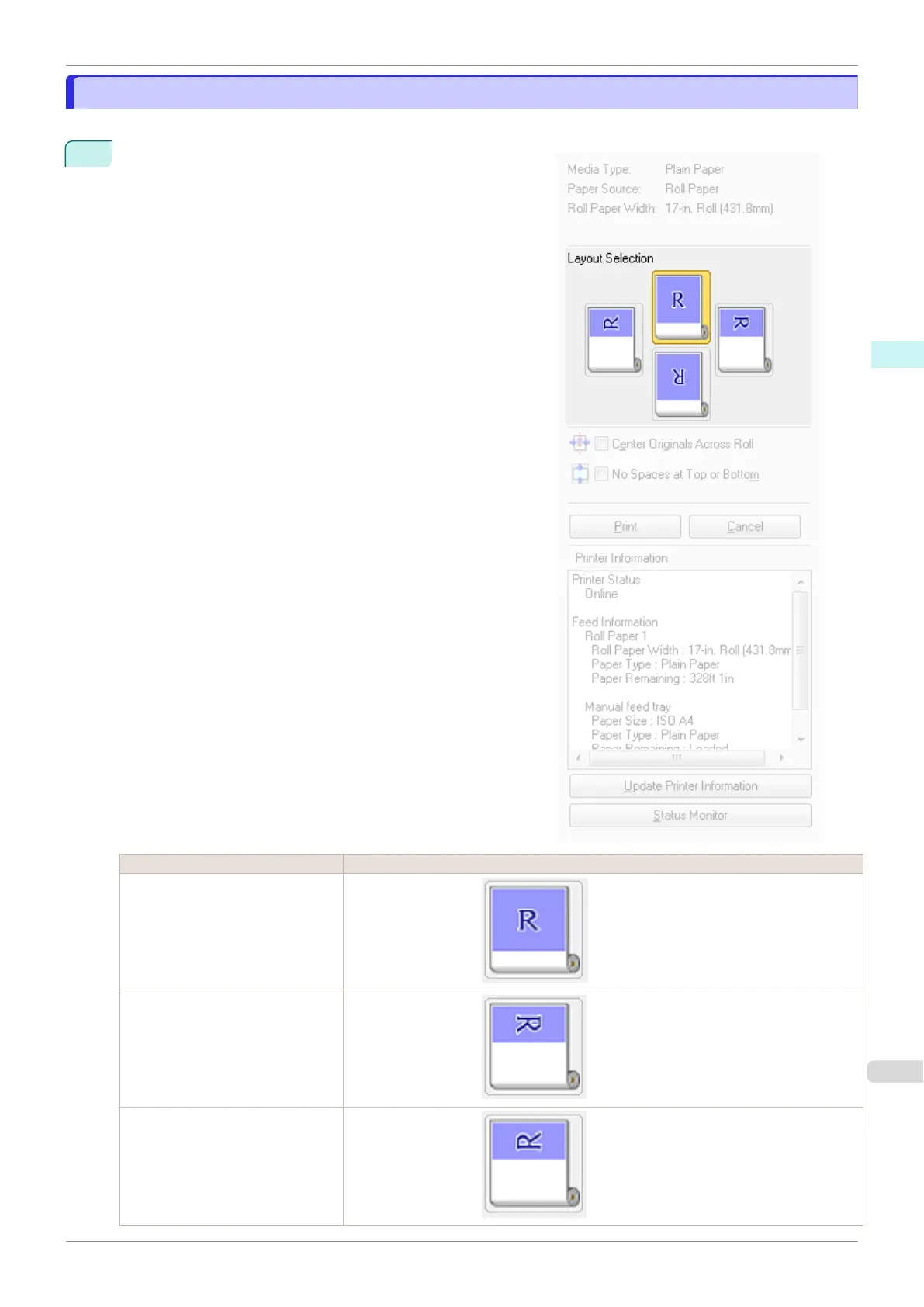
In Layout Selection, click the layout button to use.
Button Details
Upper Button
Turn at the position of .
Right Button
Turn at the position of .
Left Button
Turn at the position of .
iPF770
Printing with Selecting the Layout
User's Guide
Windows Software Preview
175


 To Next Page
 Loading...











