4
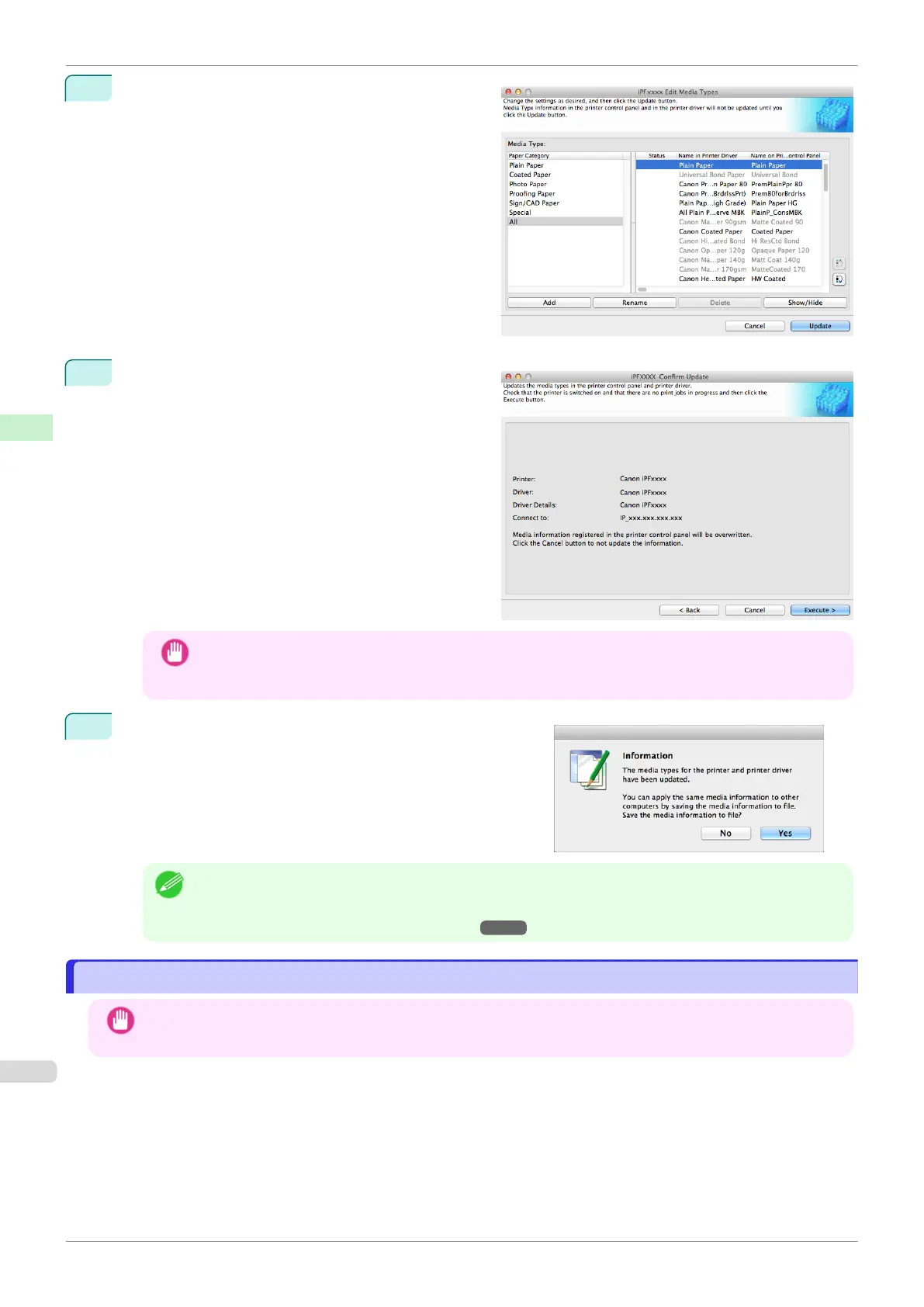
In the Edit Media Types dialog box, click the Update
button.
5
The Confirm Update dialog box is displayed.
Configure Update Target and click the Execute but-
ton.
The printer control panel and printer driver media in-
formation is updated.
Important
•
When setting a data to the printer that differs from the data to be updated, the selected media informa-
tion file is updated. When you would like to remain the data that is set to the printer, click the Cancel
button.
6
The message on the right is displayed.
If you want to save the current media information in a file,
click the Yes button. If you do not want to save it, click the
No button.
Note
•
The media information is saved as a media information file (.amx file).
•
For the method for loading a saved media information file in another computer, see "Applying a Saved
Media Information File on Another Computer." ➔ P.394
Switching Media Types Display Show/Hide
Switching Media Types Display Show/Hide
Important
•
Do not attempt to print or turn the printer off while the program is communicating with the printer.
Switching Media Types Display Show/Hide
iPF770
User's Guide
Handling and Use of Paper Media Configuration Tool (Mac OS)
390


 To Next Page
 Loading...











