•
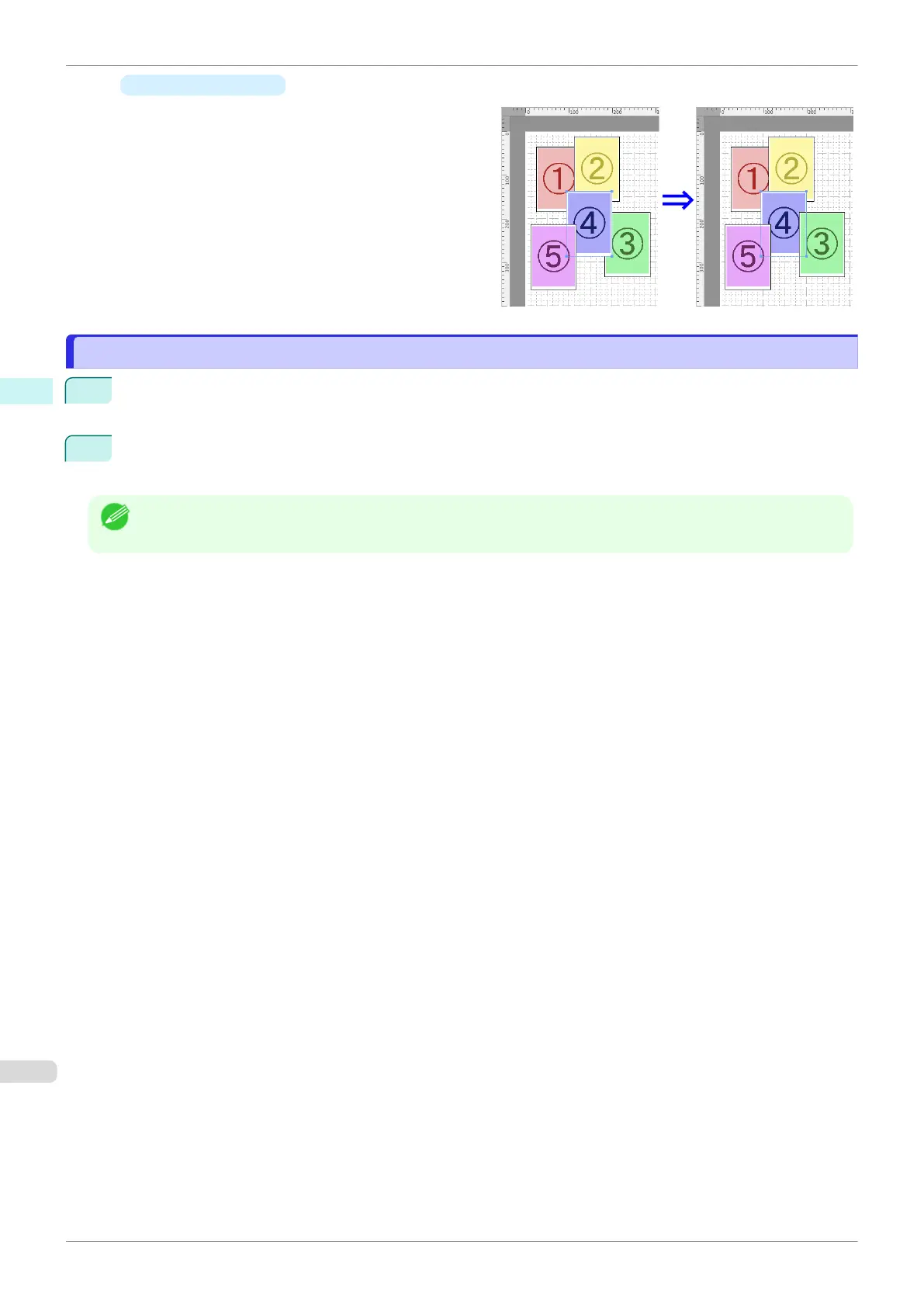
Send Backward
Moves the object one position to the back.
Pasting a Copied or Cut Object
Pasting a Copied or Cut Object
1
Click Copy or Cut from the toolbar.
Alternatively, you may select Copy or Cut from the Edit menu.
2
Click Paste from the toolbar.
Alternatively, you may select Paste from the Edit menu.
Note
•
The copied or cut object is laid out at the end of the page.
Pasting a Copied or Cut Object
iPF770
User's Guide
Mac OS Software Free Layout
308


 To Next Page
 Loading...











