2
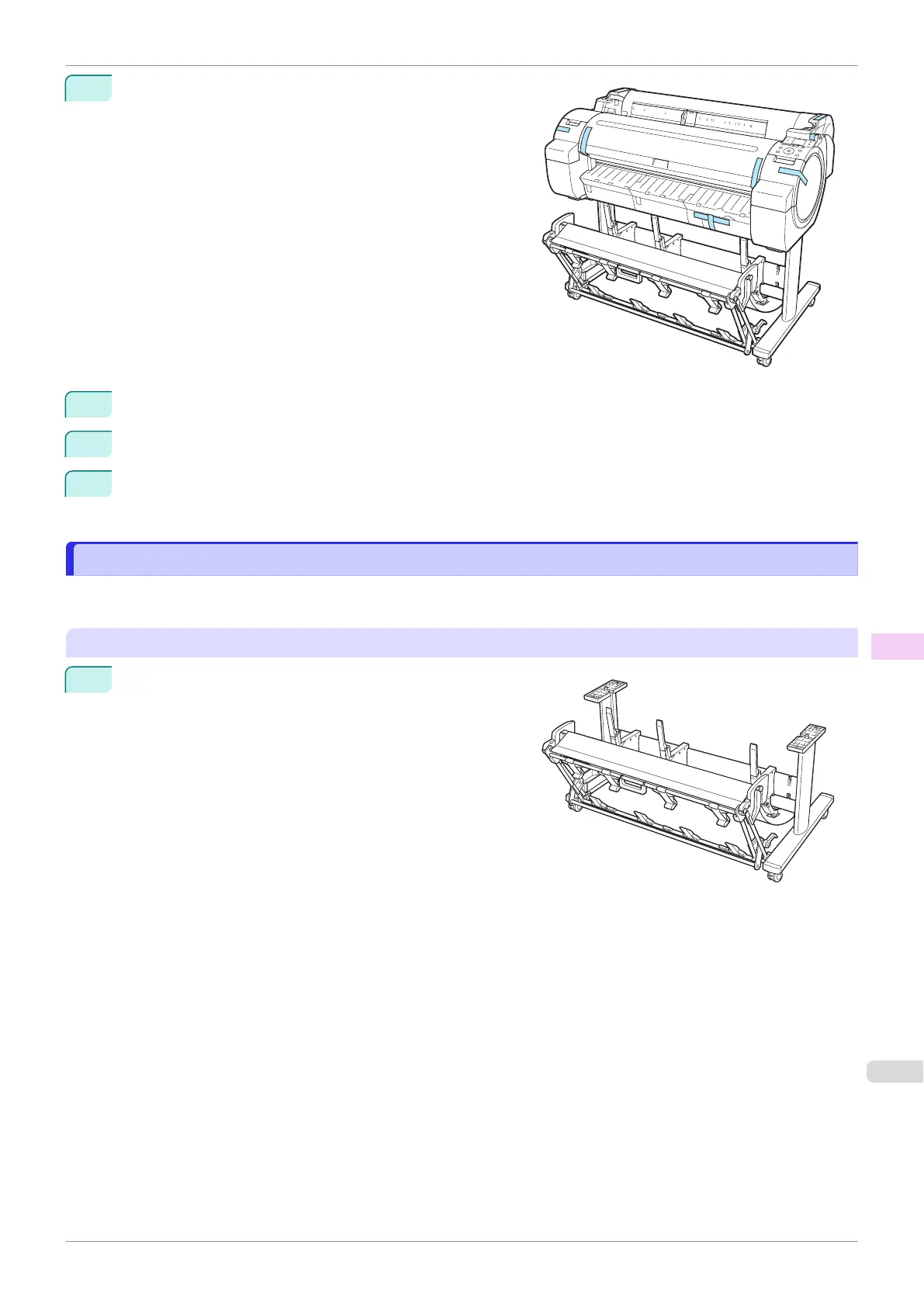
Tape down printer covers to secure them, in the reverse or-
der of tape removal during installation.
3
Remove the Stand by reversing the installation procedure, when it was attached to the printer.
4
Disassemble and repackage the Stand by following the installation procedure in reverse.
5
Repack the Roll Holder, Holder Stopper, and printer in shipping materials, and then package them in a
shipping box.
Reinstalling the Printer
Reinstalling the Printer
The basic workflow for reinstalling the printer is as follows.
For detailed instructions, see the Setup Guide.
Assemble the stand
1
Referring to the Printer Stand Setup Guide, assemble the
Stand.
iPF770
Reinstalling the Printer
User's Guide
Maintenance and Consumables Other Maintenance
521


 To Next Page
 Loading...










