Important
•
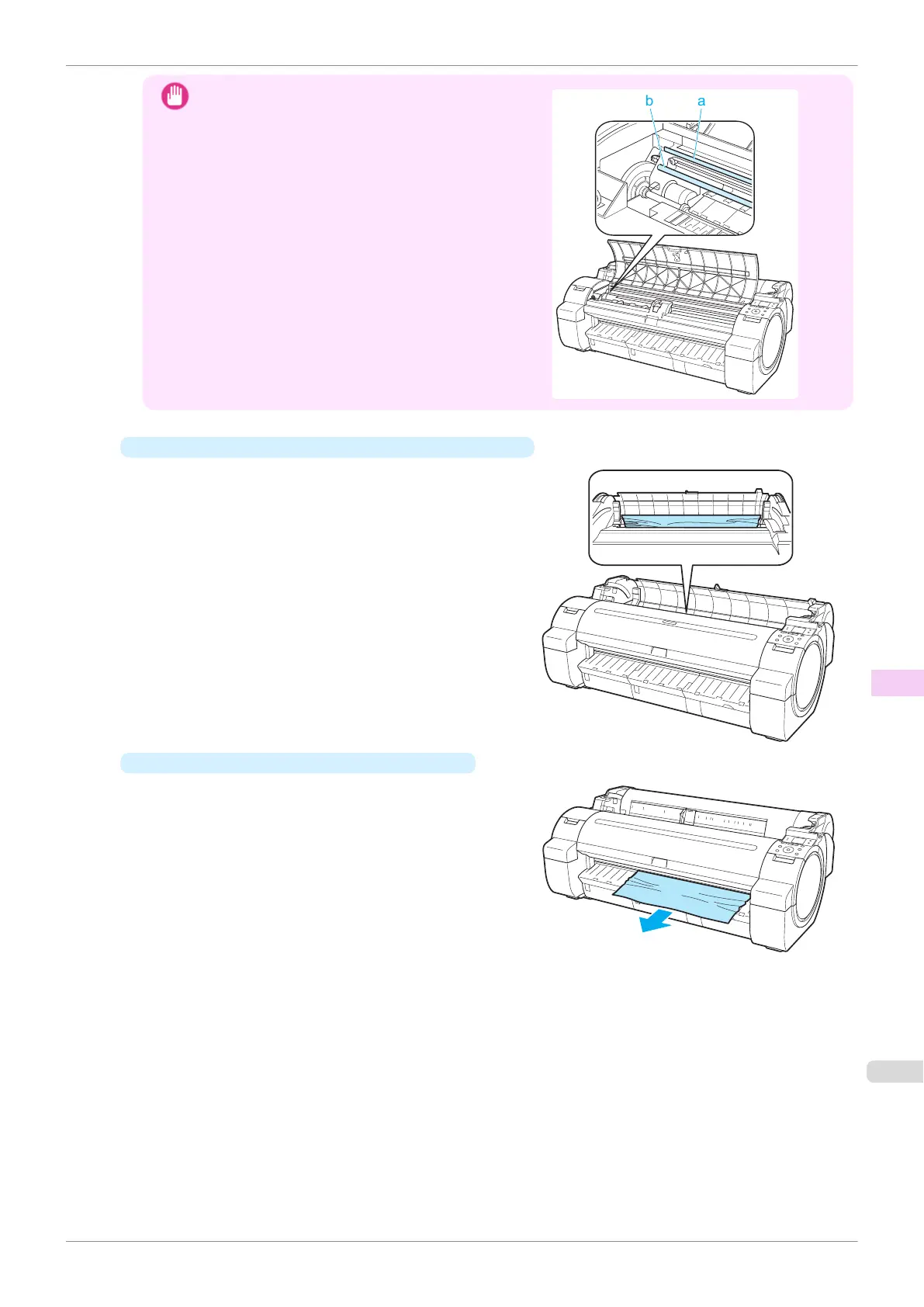
Do not touch the Linear Scale (a) or Carriage Shaft
(b). This may stain your hands and damage the print-
er.
•
If paper from a roll is jammed by the Paper Feed Slot
Remove the jammed paper from the Paper Feed Slot.
After removing the paper, make sure there are no oth-
er scraps of paper in the printer.
•
If the paper is jammed by the Ejection Guide
Remove the jammed paper from the Output Tray.
After removing the paper, make sure there are no oth-
er scraps of paper in the printer.
iPF770
Clearing Jammed Roll Paper
User's Guide
Troubleshooting Problems Regarding Paper
529


 To Next Page
 Loading...











